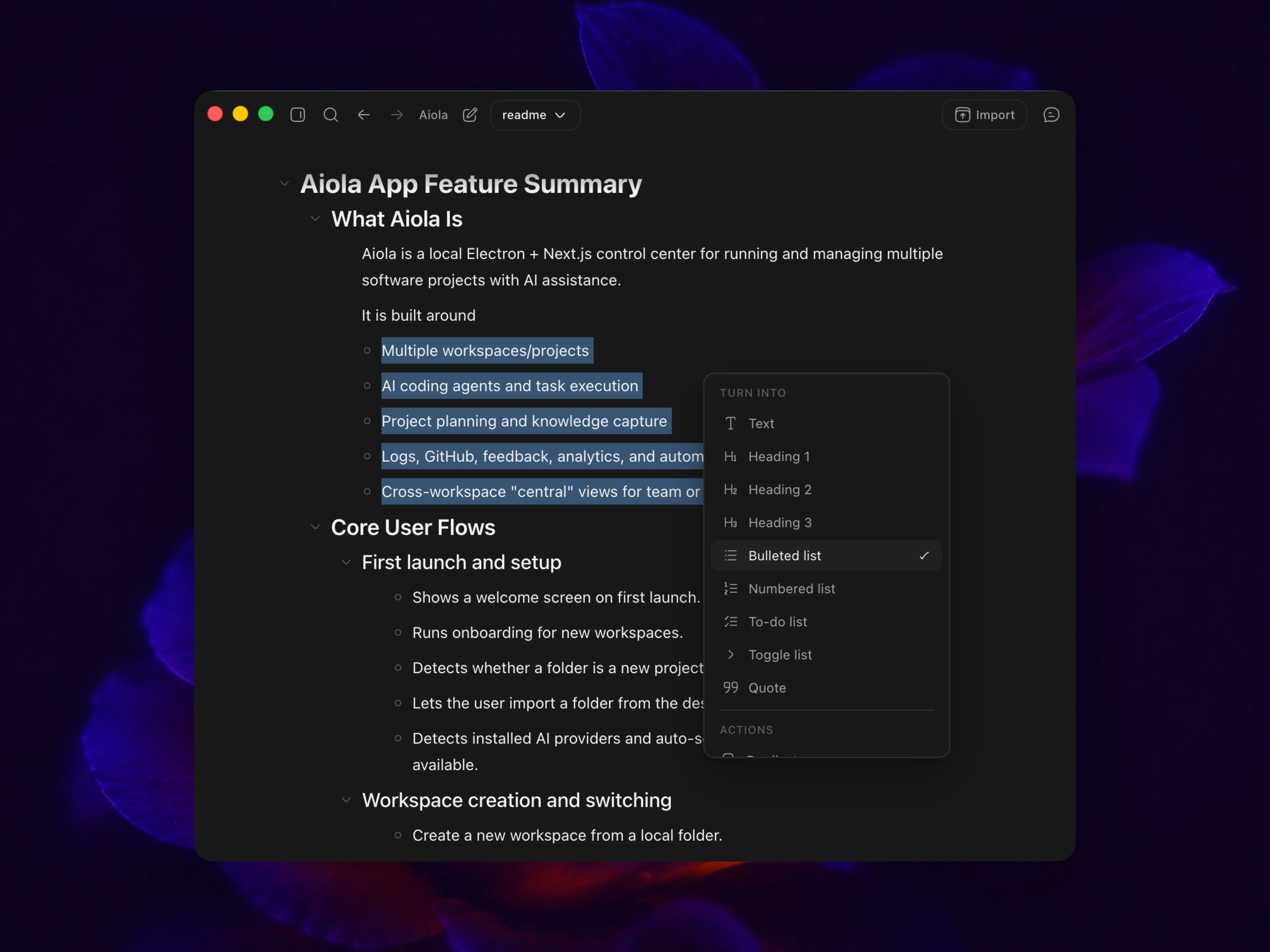
Turn rough ideas
into clear plans

Capture early thinking, break work into steps, and keep execution aligned with the original plan as the project evolves.

Aiola
Threads
Why Aiola Exists
Aiola is the command center for developers shipping multiple products with AI. It brings code, bugs, feedback, analytics, GitHub, tasks, and automations into one place so work can move without constant supervision.
The problem
AI coding tools help inside a single repo, but the rest of the job still lives in scattered tabs: error logs, PRs, user feedback, analytics, notes, and task boards.
Once you manage more than one product, context switching becomes the real bottleneck. Important issues get noticed too late, and useful agent work still needs a human to orchestrate every step.
The hard part is no longer writing code. The hard part is keeping every moving piece across every project under control.
Why you need Aiola
Aiola gives each project its own workspace, then rolls the signal up centrally so you can see what matters across your portfolio without losing repo-level context.
Agents are not isolated chat windows. They can work from tasks, inspect logs, review feedback, open branches, and create PRs inside a workflow that is actually built for shipping.
Automations let recurring maintenance happen on schedule, which means bugs, triage, and reporting do not wait for you to remember them.
What it solves
Cuts the manual overhead of running multiple products with AI assistance
Turns feedback, errors, and open work into an actionable queue instead of disconnected dashboards
Creates a path from issue detected to task completed to PR opened inside one system
What makes it convincing
Tasks, analytics, app logs, feedback, GitHub, calendar, skills, and automations all live in the same operating layer.
The product is designed for solo developers, founders, and small teams who already use AI seriously and need leverage, not another dashboard.
The value is not one more tool. The value is an agentic workflow that keeps shipping moving across every project you own.
Add Block

Shape the work

Break ideas into clear steps, move faster, and keep execution aligned.
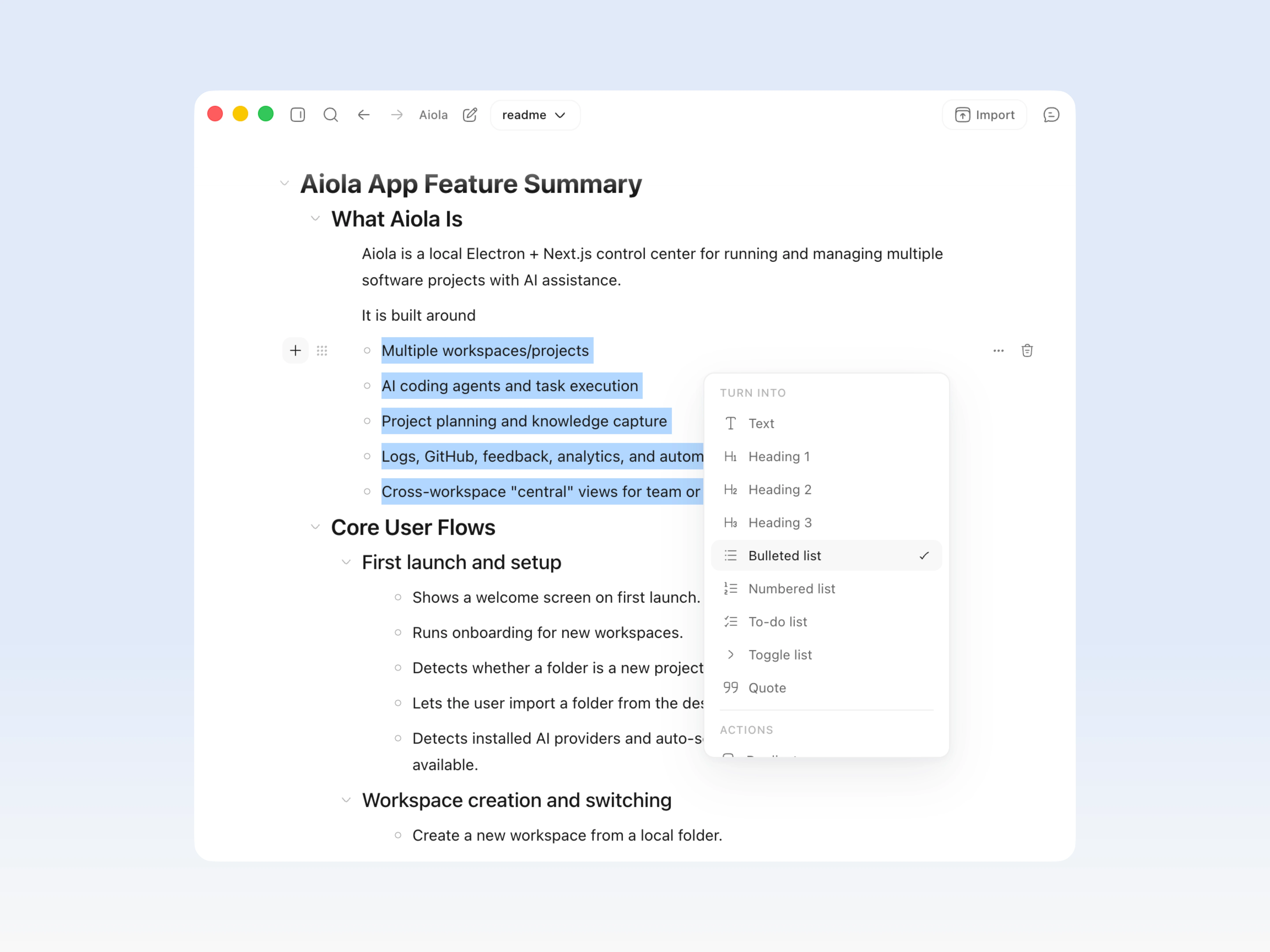
Break it downBreak it down

Break it down

Turn big changes into smaller steps that are easier to review and execute.
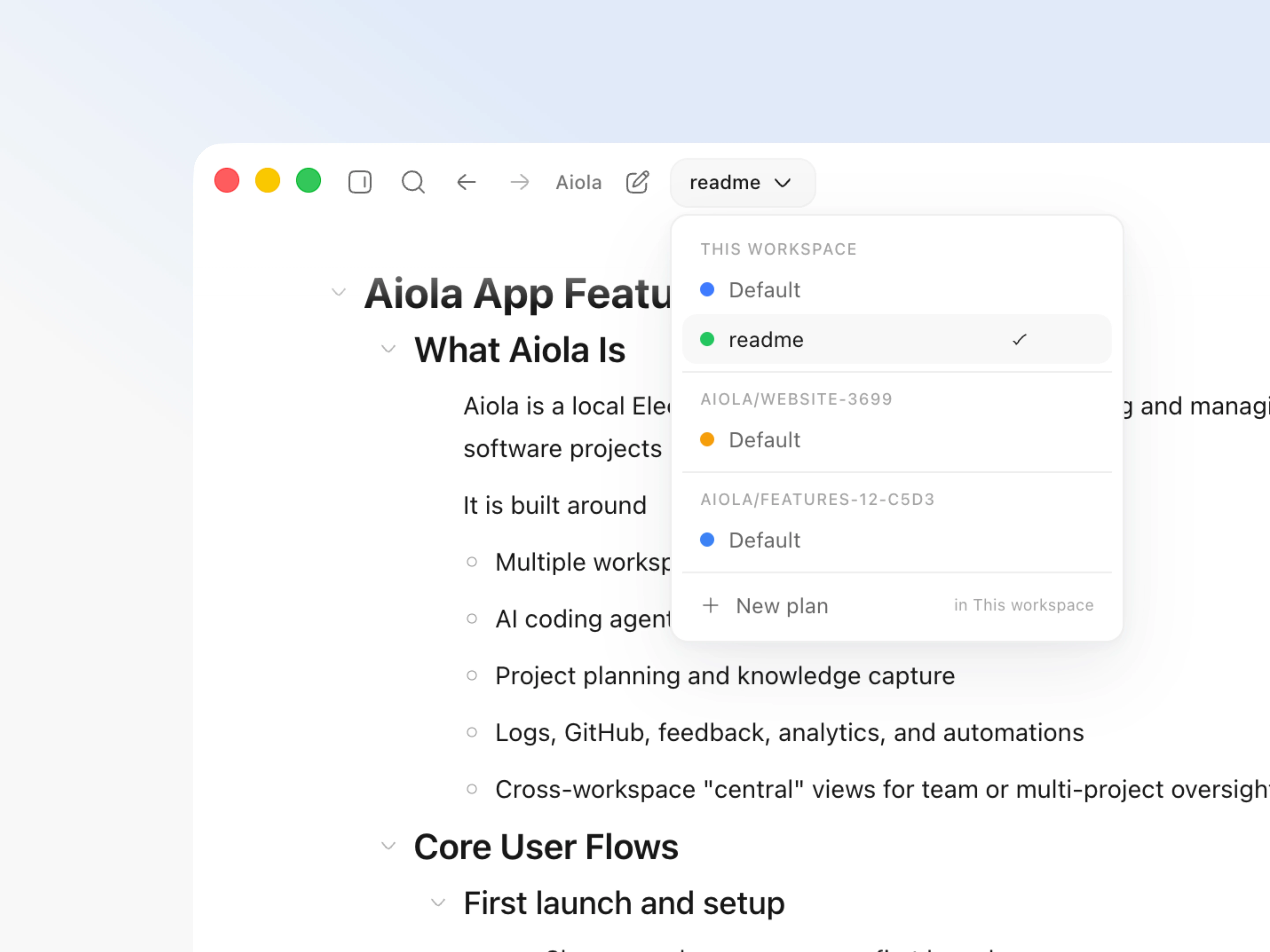
Separate tracksSeparate tracks

Separate tracks

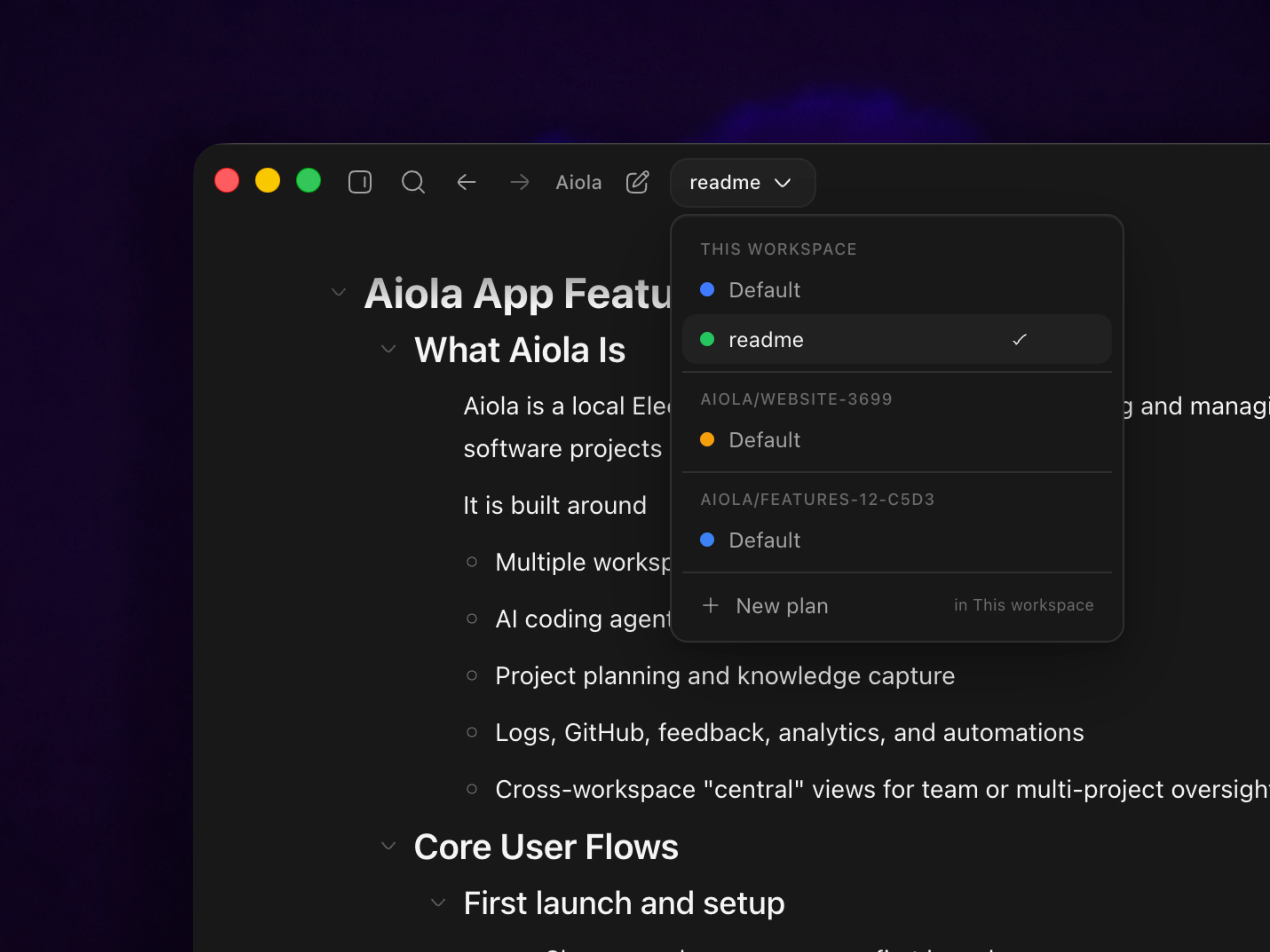
Keep different features or branches from collapsing into one messy document.
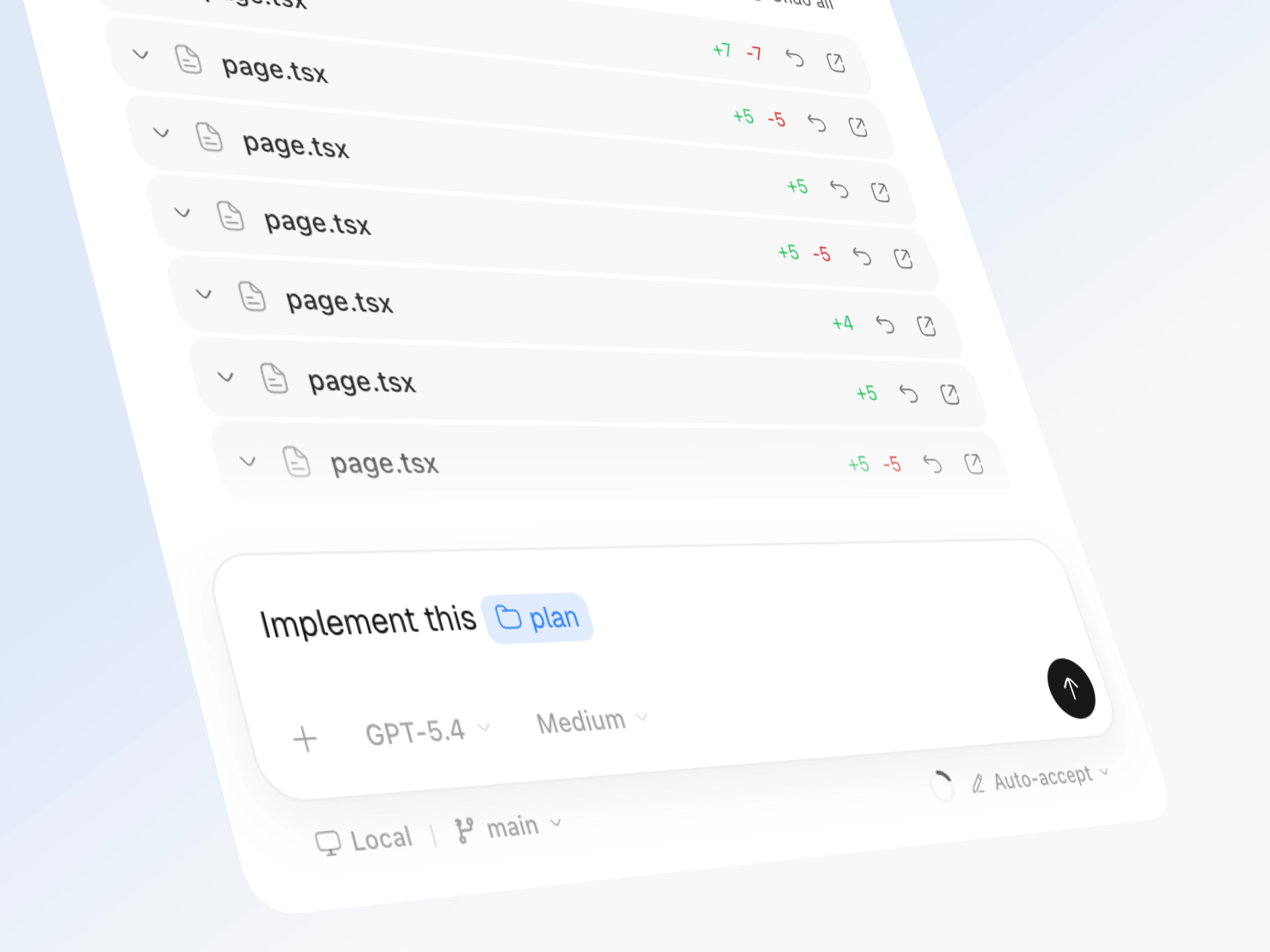
Put it into actionPut it into action

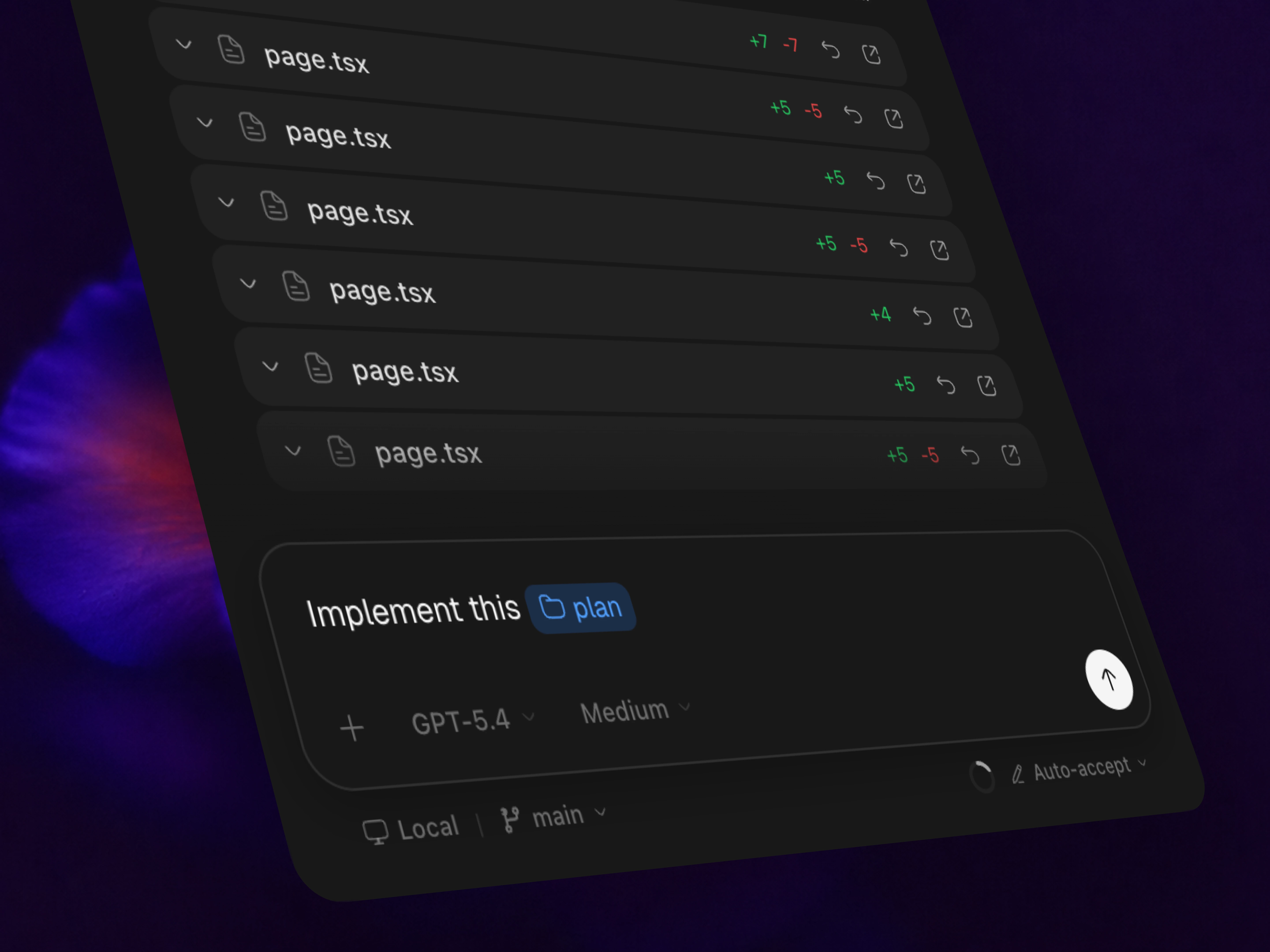
Put it into action

Move from planning to execution without losing context or momentum.
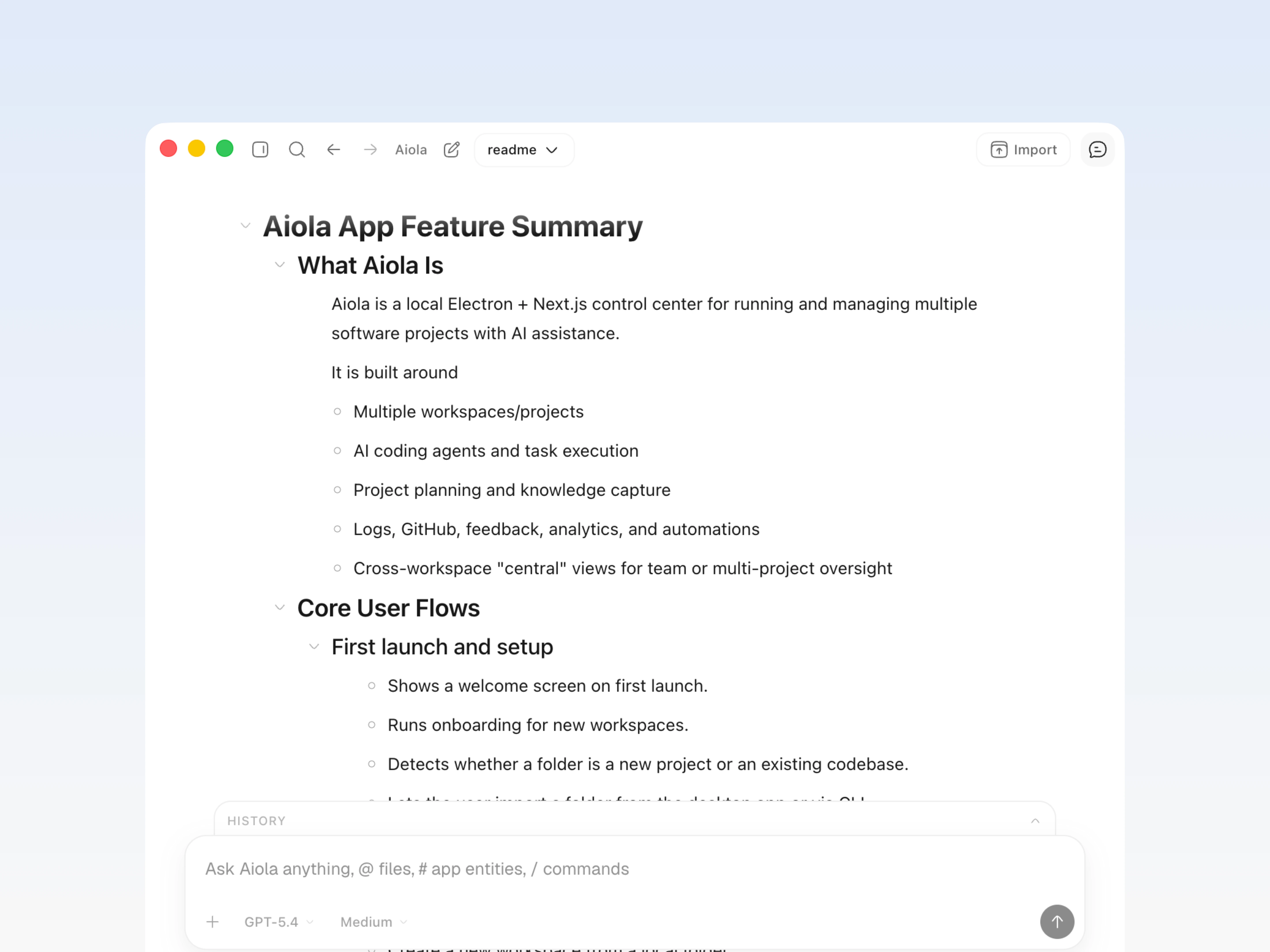
Plan with AIPlan with AI

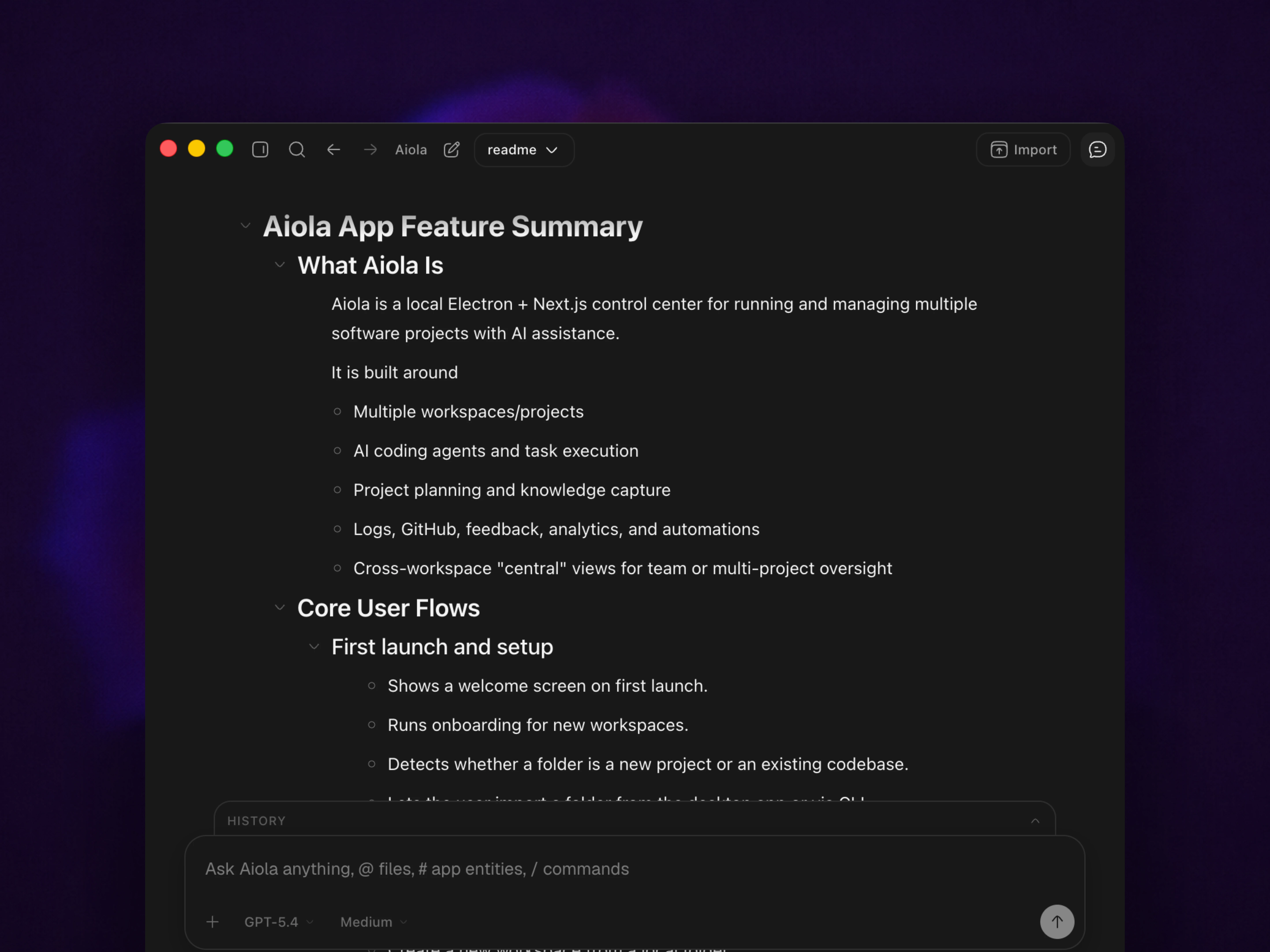
Plan with AI

Use AI to turn early thinking into a sharper plan you can actually act on.