01
Feedback snippet
Add a snippet so users can send feedback without leaving your app.
Aiola
Monitor
Tools
Recents
Search Console needs reconnect
Reconnect Search Console so Analytics can pull search queries.
Total Feedback
8
Open
5
Issues
4
Features
4
#8The agent keeps re-asking for context I already gaveWhen I move a task to a thread, the agent asks for repo details that are already in the project knowledge base.Problem Type: TasksDevice: macOS - M Seriesaiola.app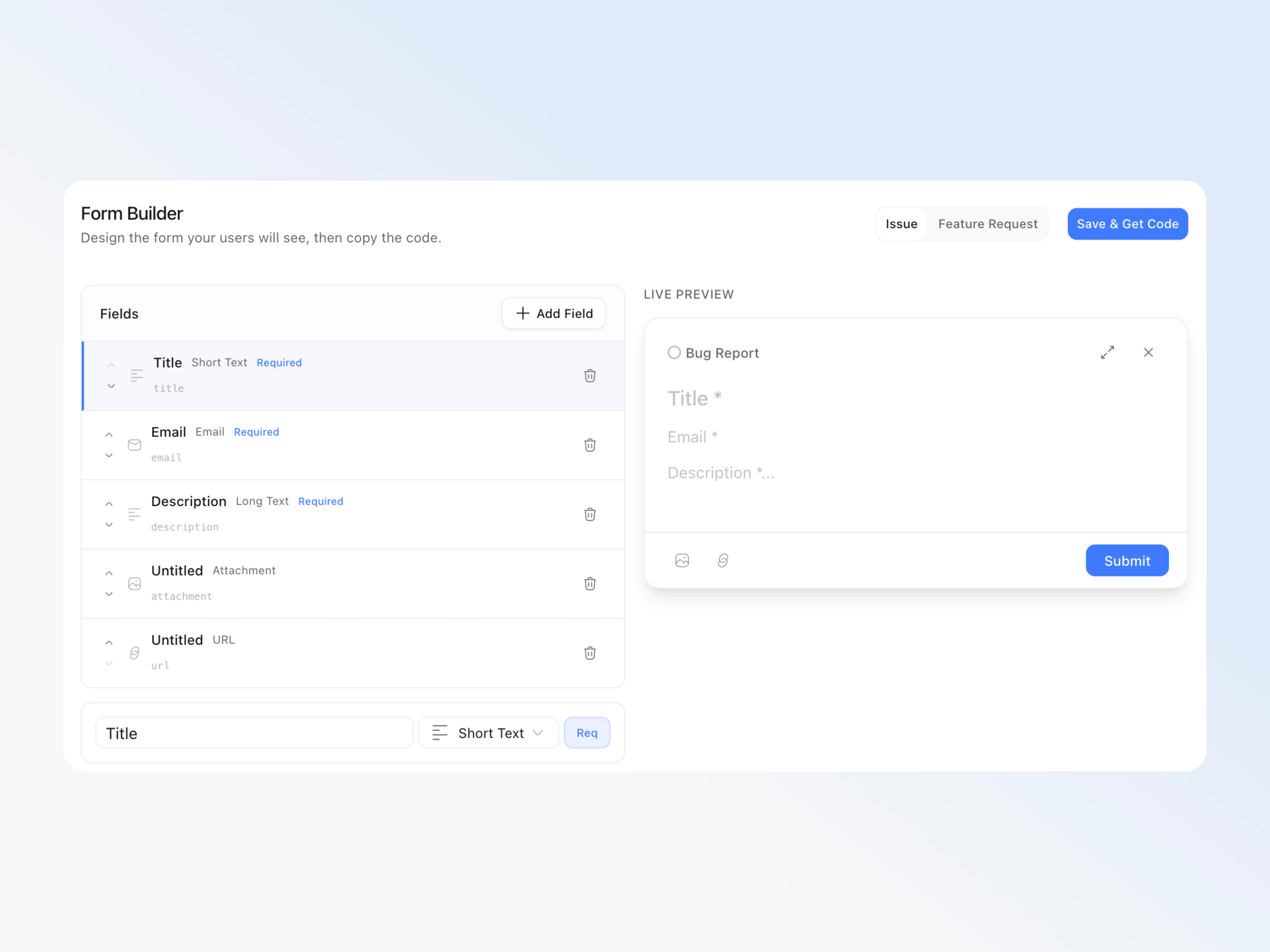
 18m ago
18m ago#7Let me keep one thread open on a second monitorI want to pop a long-running thread into its own window so I can watch it while I work in another workspace.aiola.app47m ago
47m ago#6Auto-PR opened a PR before I finished reviewingA task moved to Create PR and opened the pull request while I was still reading the diff.Device: Windowsaiola.app2h ago
#5Add a shortcut to jump between workspacesSwitching projects with the mouse every time is slow when I run several at once. +11d ago
+11d ago#4Composer loses draft when switching workspacesIf I start a prompt then change project, the draft is gone when I come back.Problem Type: Chat / TerminalsDevice: macOS - M Seriesaiola.app2d ago
2d ago#3Add provider auto-detectionDetect which CLI is installed and offer it in the model picker without a manual setup step.aiola.app4d ago
#2Terminal split pane forgets the saved layoutAfter a restart the terminals page comes back as a single pane even when I left it split.Problem Type: UI / DesignDevice: iPhoneaiola.app 11d ago
11d ago#1Let me group workspaces into foldersA linear workspace list gets hard to scan once I run more than a handful of projects.2mo ago
