
Kagi · Indexing
Kagibot
Identify Kagibot by its user agent. Check request identity, review robots.txt controls and track visits in Aiola Analytics.
Key facts
KagibotWhat Kagibot is
Kagibot indexes pages for Kagi search. Kagi publishes four IP addresses on its bot page.
In Aiola's taxonomy, Indexing means crawled for ai or search indexing.
Kagibot user agent
Look for the match token inside the complete HTTP User-Agent header. Tokens can be spoofed, so use the network checks below for authentication.
Mozilla/5.0 (compatible; Kagibot/1.0; +https://kagi.com/bot)KagibotOfficial IP ranges
Kagi publishes an official IP range list. This cached snapshot contains 4 CIDR prefixes, last fetched 2026-11-13. Open the live source
216.18.205.234/32
35.212.27.76/32
104.254.65.50/32
209.151.156.194/32
Verify a Kagibot request
For Kagibot, compare the source IP from your trusted edge or server against Kagi’s current published prefixes.
python3 -c 'import ipaddress; print(ipaddress.ip_address("REQUEST_IP") in ipaddress.ip_network("216.18.205.234/32"))'Test every current prefix in the vendor feed and re-fetch it regularly. This cached snapshot is evidence of publication, not a permanent firewall list.
Control Kagibot with robots.txt
Kagi documents crawler controls for this bot family. Robots.txt can direct cooperative crawling, but it cannot prove that a request is authentic.
User-agent: Kagibot
Allow: /User-agent: Kagibot
Disallow: /Aiola Analytics
See every Kagibot visit on your site
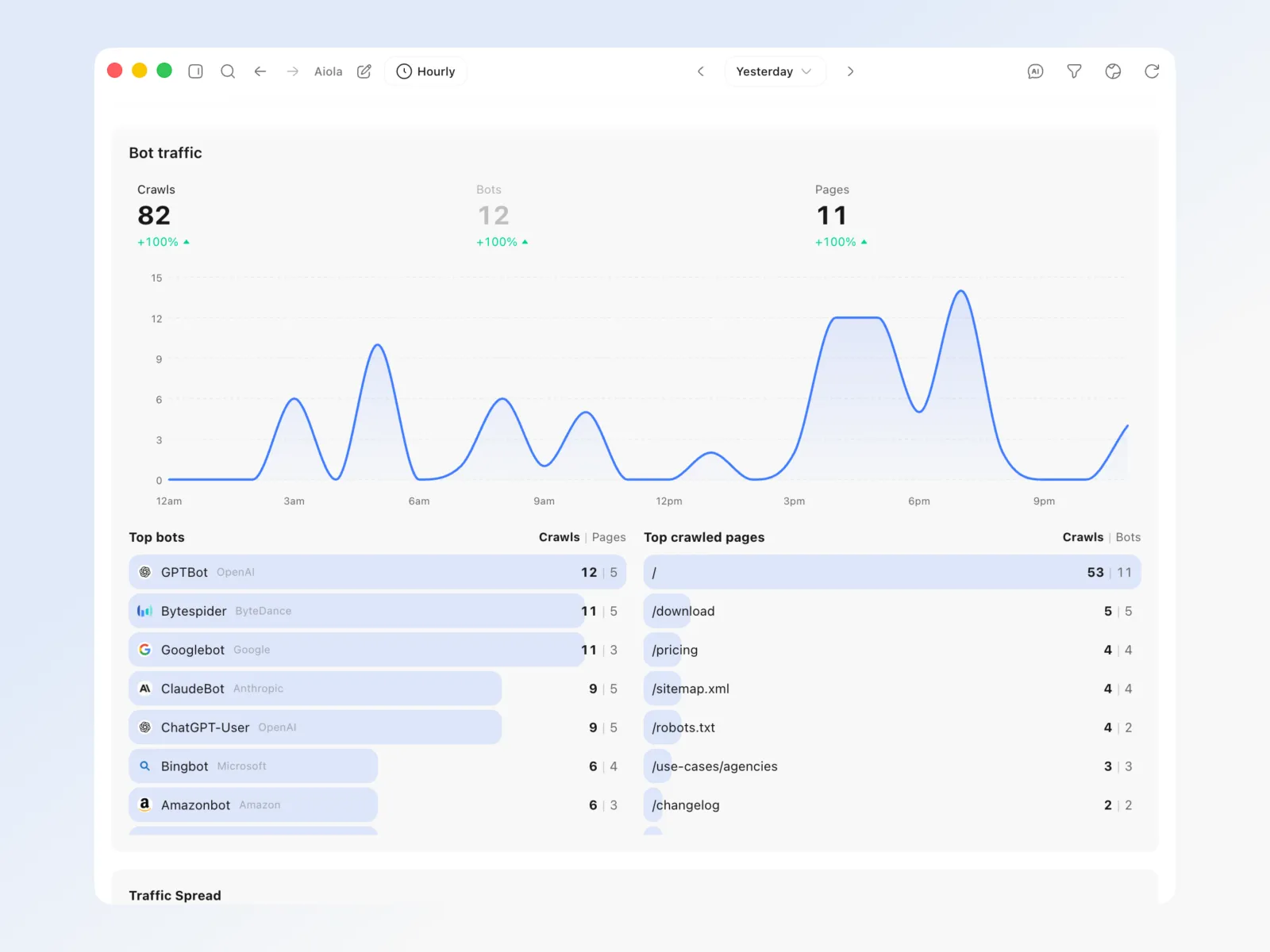
Aiola tracks 80 AI, search and link-preview crawlers next to your human traffic, revenue and errors. See when Kagibot arrives, which pages it requests and which requests fail. Then ask a coding agent in the same app to fix those pages. Track Kagibot visits with AI crawler analytics.
Common questions

Everything your agents need, in one app
Errors, user feedback, GitHub and analytics live next to your coding agents. Every issue becomes a task an agent can take.