September 21, 2026 · v2.0.0
v2.0.0 is a full redesign with a hosted MCP server, setup health checks, rebuilt analytics, and sturdier phone connections
Aiola v2.0.0 delivers a whole-app redesign alongside a hosted MCP server that connects Claude, ChatGPT, and external assistants over OAuth. Workspaces gain setup health checks, analytics is rebuilt with dedicated AI-crawler tracking, Connections are noticeably sturdier, and a round of fixes lands across mobile, Windows, analytics, and git.
What's New
- A whole-app redesign: Aiola 2.0 has a refreshed look everywhere — the shell and sidebar, the chat composer with its new floating panels, settings, Central, and the analytics pages. Same workflows, cleaner and faster to read.
- Hosted MCP server: Connect Claude, ChatGPT, or any MCP-capable assistant to your Aiola projects over OAuth and let it read live analytics, app logs, feedback, search keywords, and indexing issues. Tool results render as interactive widgets right inside Aiola chat.
- Setup health for every workspace: A new "Needs attention" card checks that your analytics tracker and app logger are installed correctly and reporting, and tells you exactly what to fix.
- Rebuilt analytics with AI-crawler tracking: Flat, scannable sections, entry and exit pages, resilient geo, and a dedicated AI view of bot and crawler traffic by vendor with assistant coverage.
- Feedback gets its own settings page: Configure feedback collection from Settings → Feedback instead of a modal, next to App Logs and Analytics.
Improvements
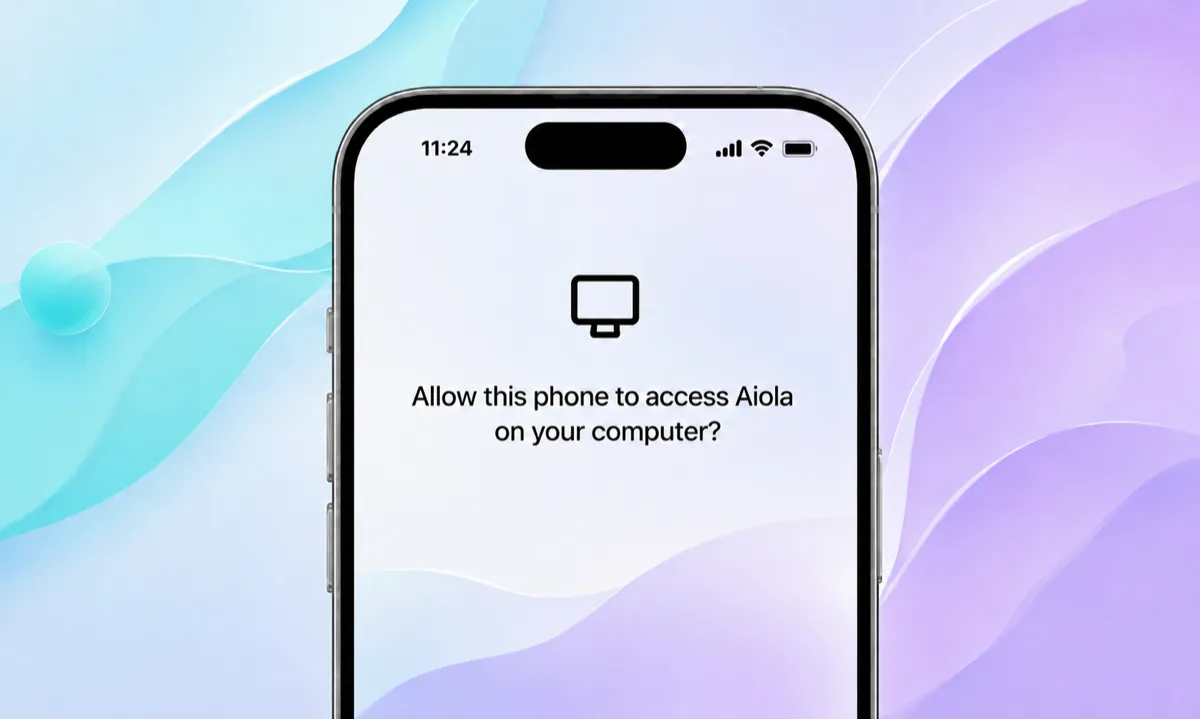
- Connections are sturdier: Paired phones keep their presence across restarts, older mobile sessions are matched correctly, the "Other connections" section is gone, and pairing now works on Windows.
- Redesigned GitHub PR and issue views: Summary and Code tabs, reviewer lists, instant caching on revisit, merge controls, and a Disconnect PR action from the sidebar.
- Sturdier thread engine: Orphaned runs are repaired automatically, the queue pauses after a failed turn, and a live provider status replaces the generic "Working" shimmer — on desktop and on the phone.
- Review changes panel: File tree, smallest-files-first loading, and smooth collapse animations for files and folders.
- OpenCode skills and Codex approval persistence: , plus Continue with Apple on the desktop sign-in and a font smoothing setting.
- Docs refreshed: A public guide for connecting assistants to the hosted MCP server, plus an llms.txt index for AI tooling.
Fixes
- Mobile: Picked photos are never lost silently and their options are explained, broken images show a visible card, the terminal survives backgrounding, the queued panel stays one shade and compact, and mention chips are readable in dark mode.
- Windows: CLI updates, the Codex login probe, and Grok model discovery no longer fail on .cmd shims; OpenCode updates through npm; errors are ANSI-clean; the app no longer hangs on exit with a terminal open.
- Analytics: Chart axis spacing, a zero-filled 24-hour sparkline on the home page, geo fallback, bot vendor attribution and host checks, and cache correctness on Central.
- Git: The SSH origin probe no longer poisons the local origin lookup, and the changes panel shows the right staged state and full paths.
- Fixed a batch of smaller bugs across settings, navigation, and provider detection.