Tasks
Boards, schedules, and a clean PR handoff once the code is ready and reviewed.
Explore tasks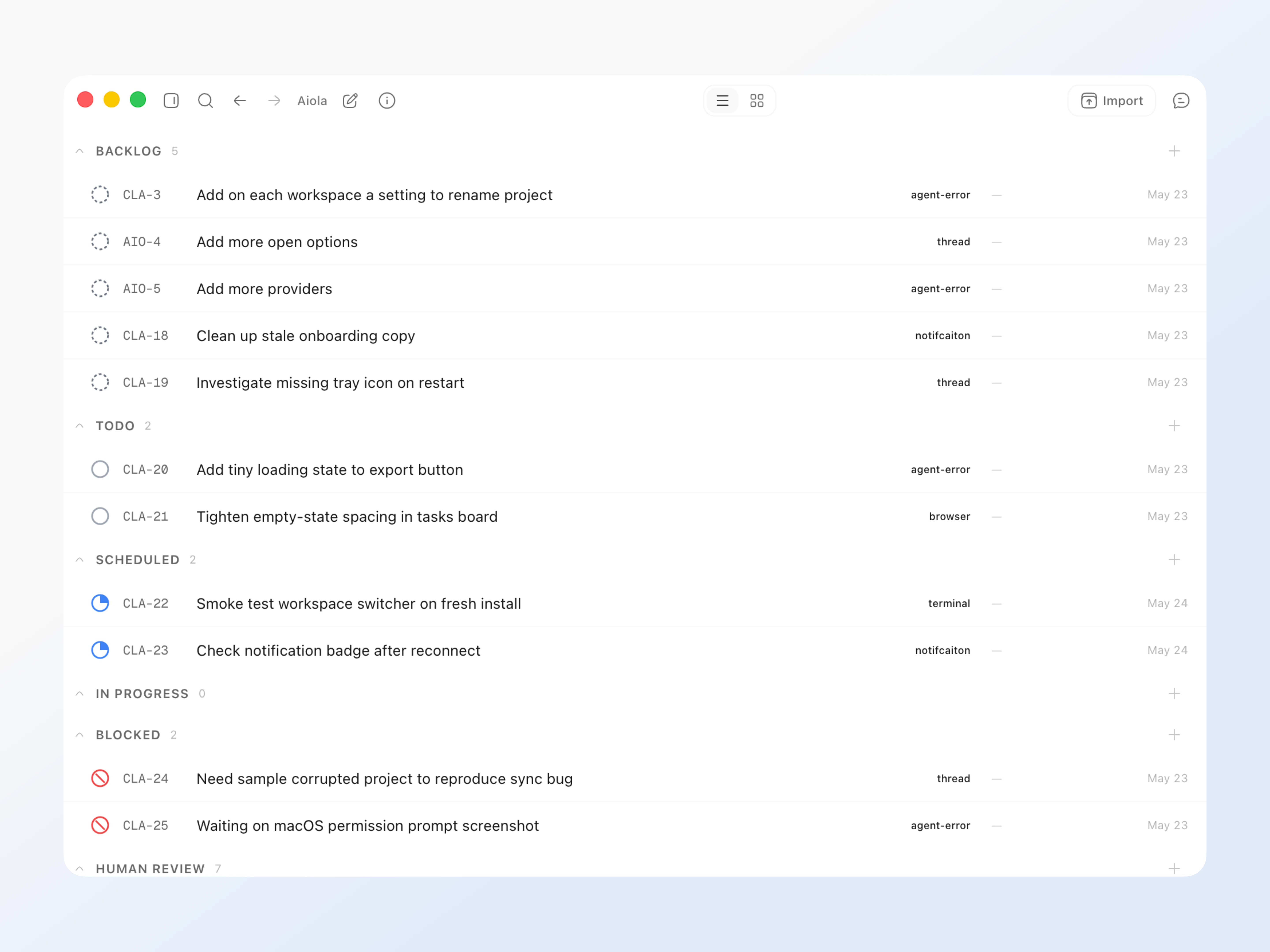
Manage all your apps from bugs to analytics to user requests, with Claude Code, Codex, and Cursor orchestrated from one surface.
Use the Claude, Codex, and Cursor access you already pay for, then run them all inside one Aiola workspace.
Claude Code
claude auth login
Codex CLI
codex login
Cursor
cursor-agent
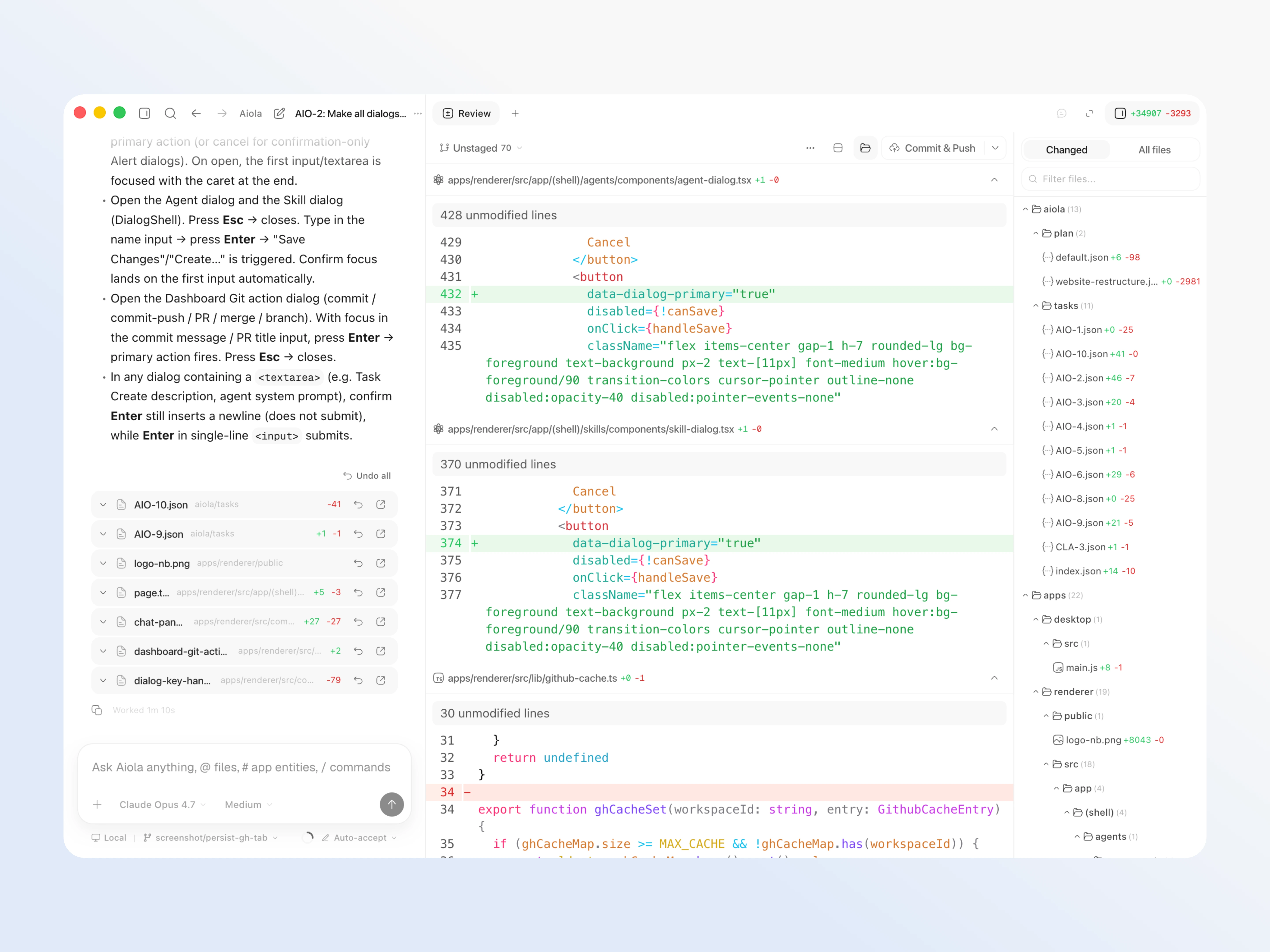
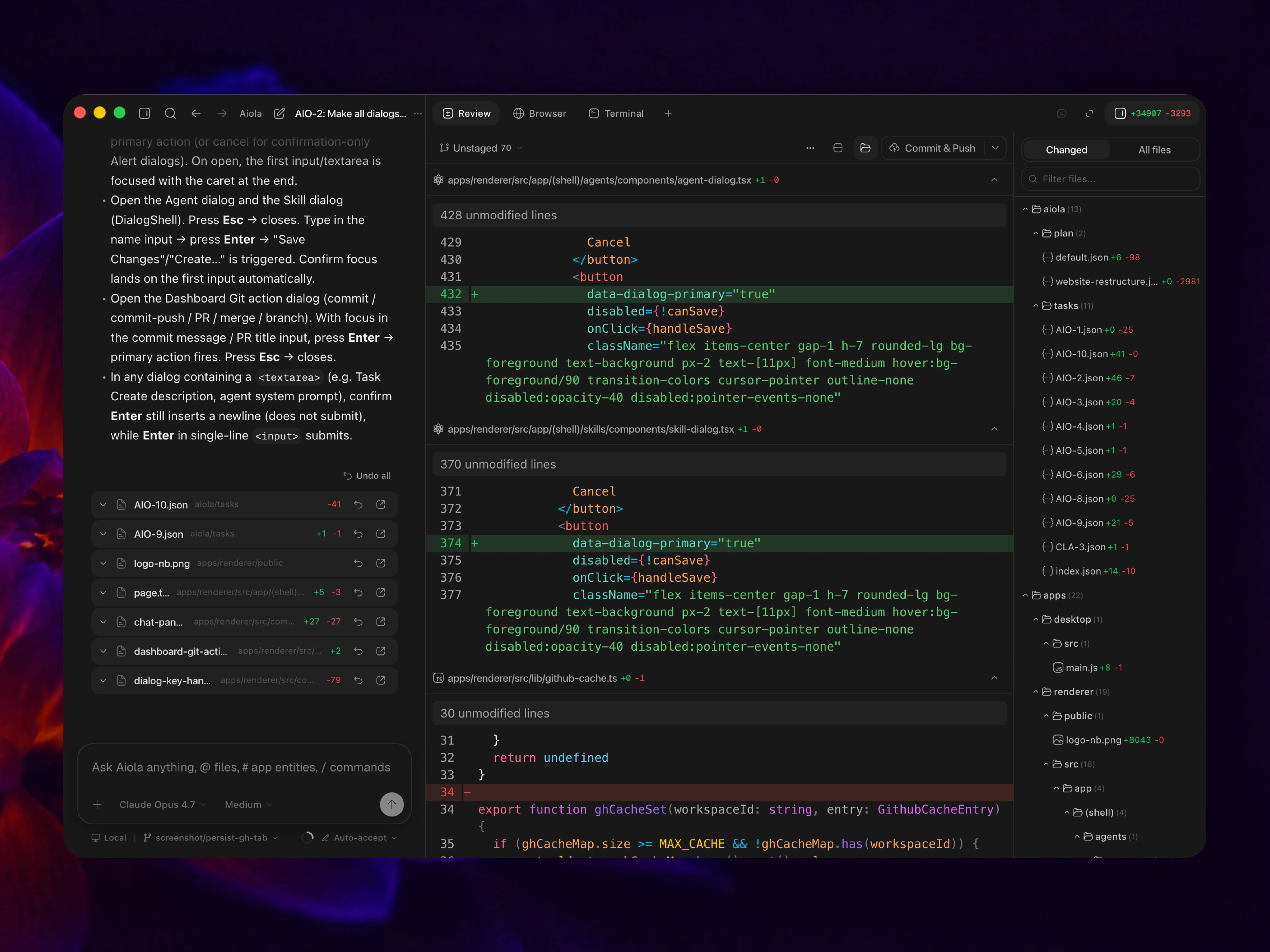
Open every project you work on and start tracking, building, or improving them with a central view or per-project views.
See more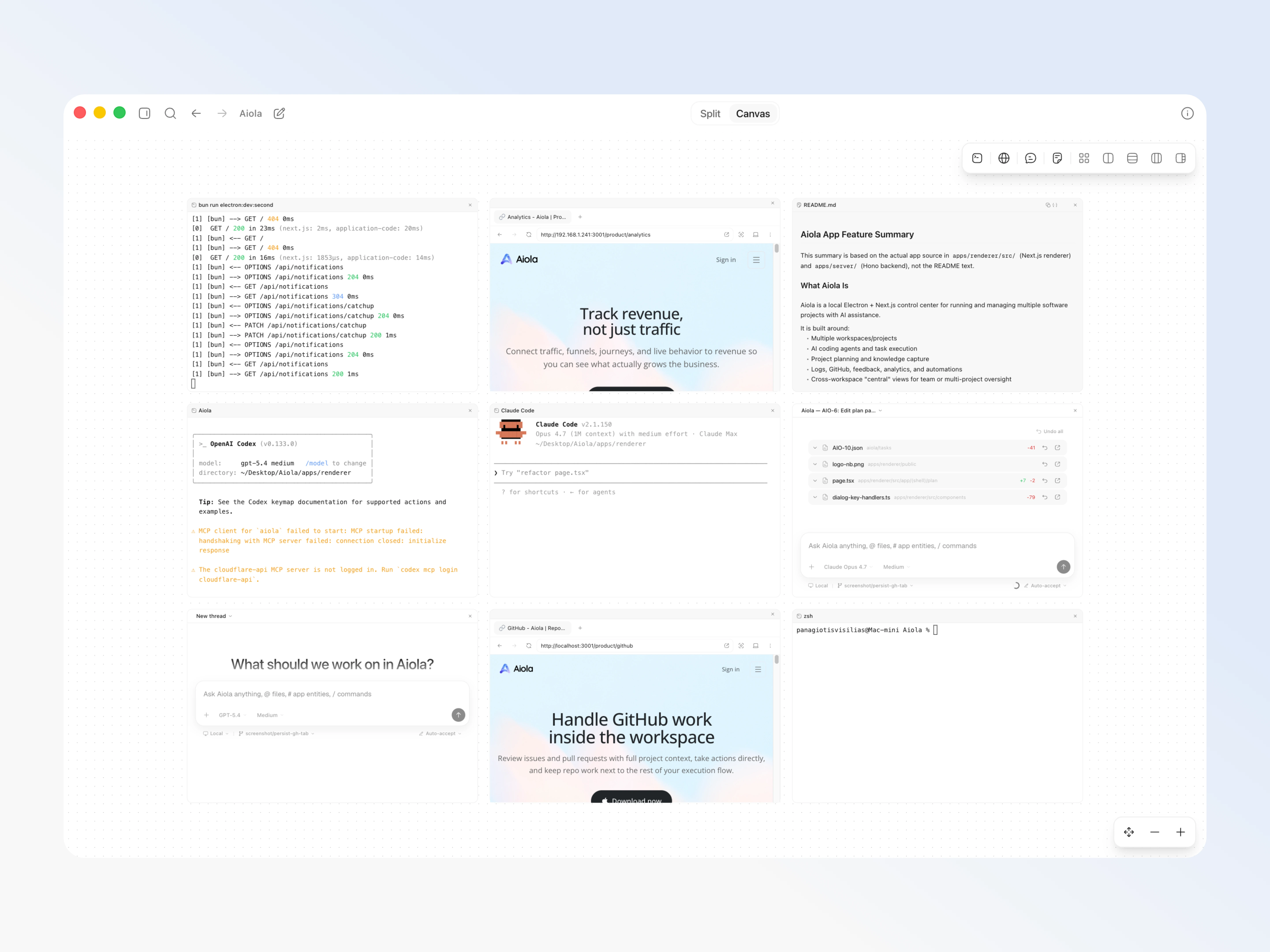
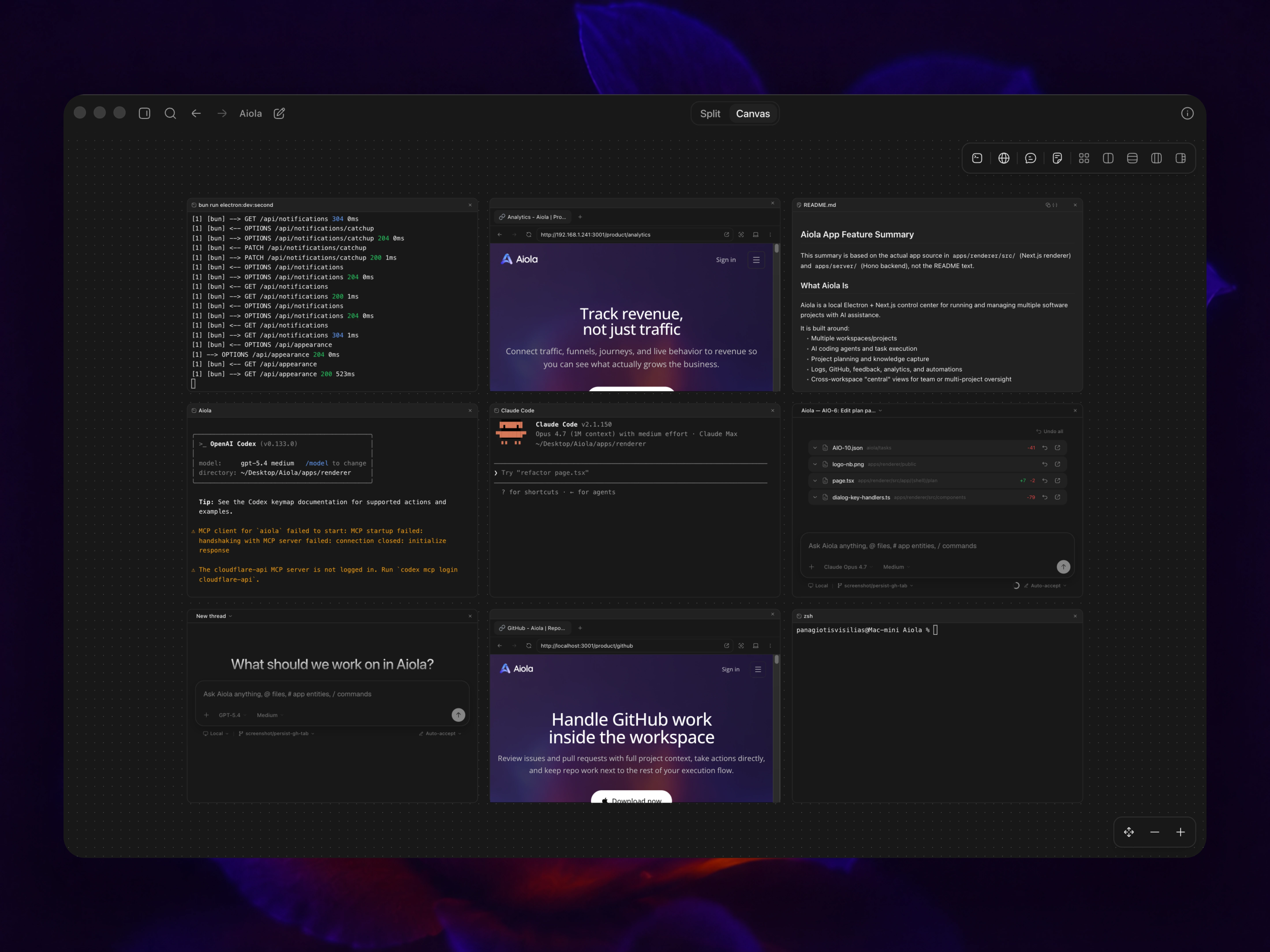
Open threads, terminals, and browsers side by side, or pin everything to an unlimited canvas you can pan across.
See the canvas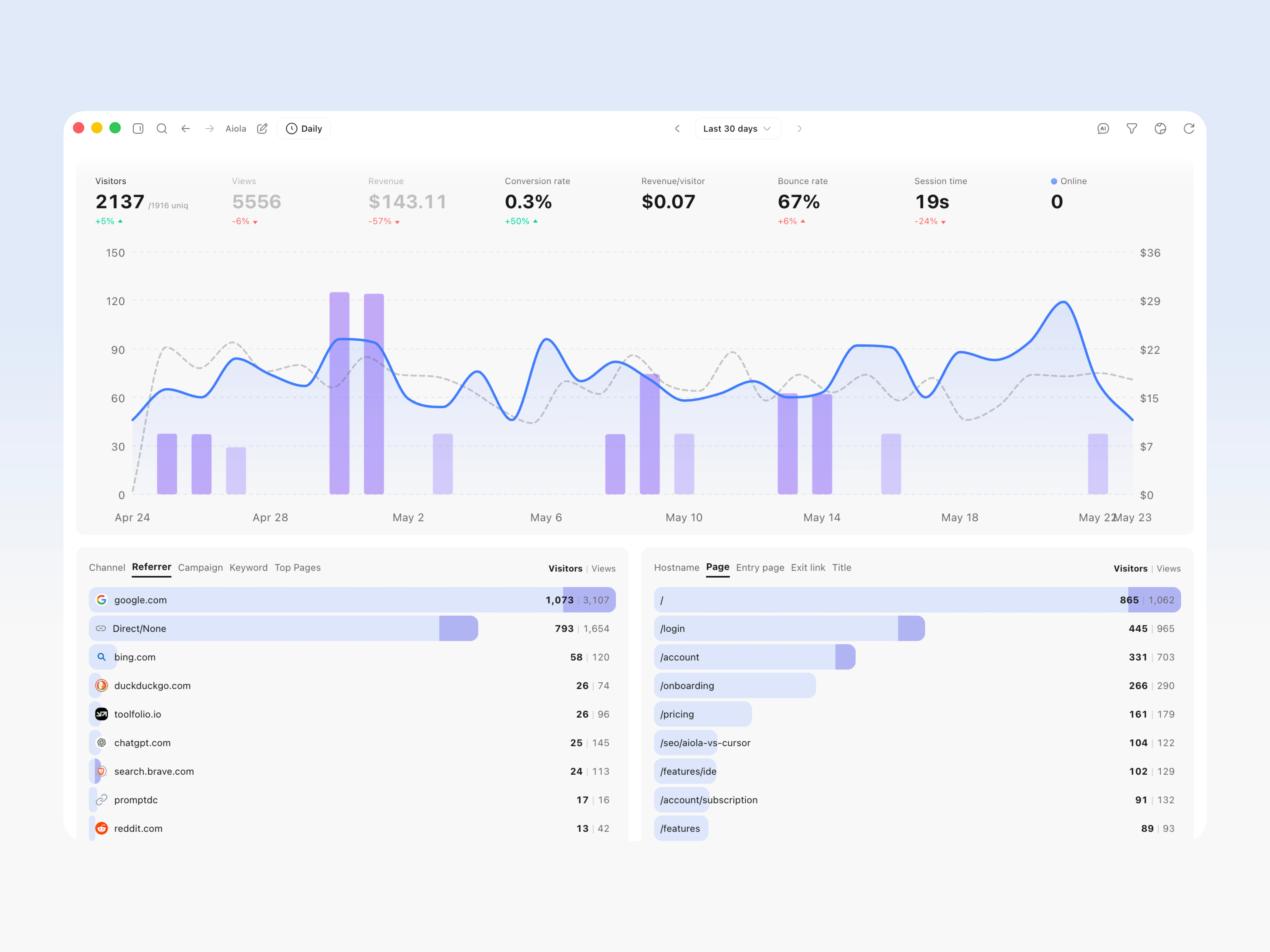
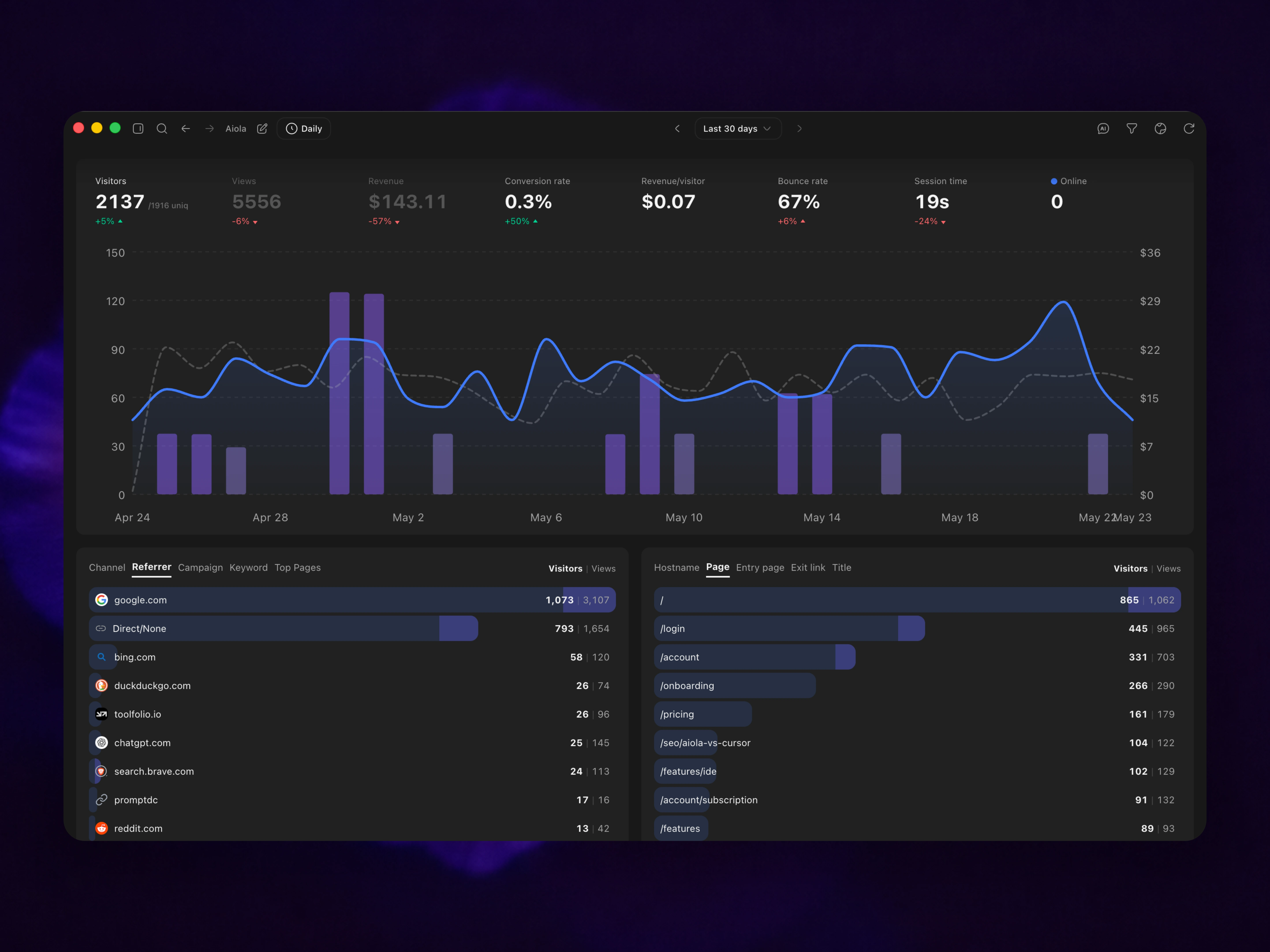
Connect traffic, funnels, and live behavior to revenue so you can see what moves the business — not just what gets clicked.
Learn about analytics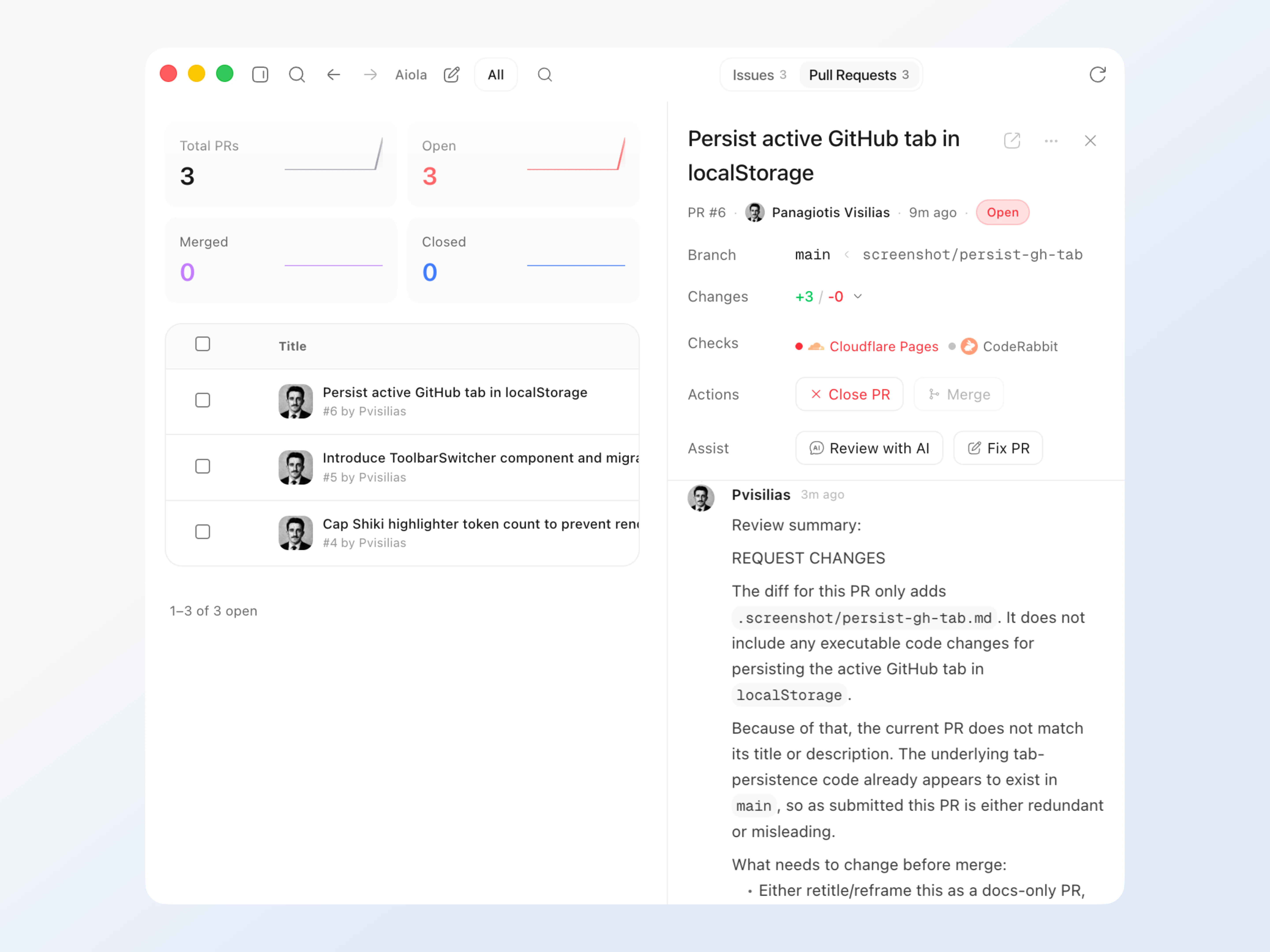
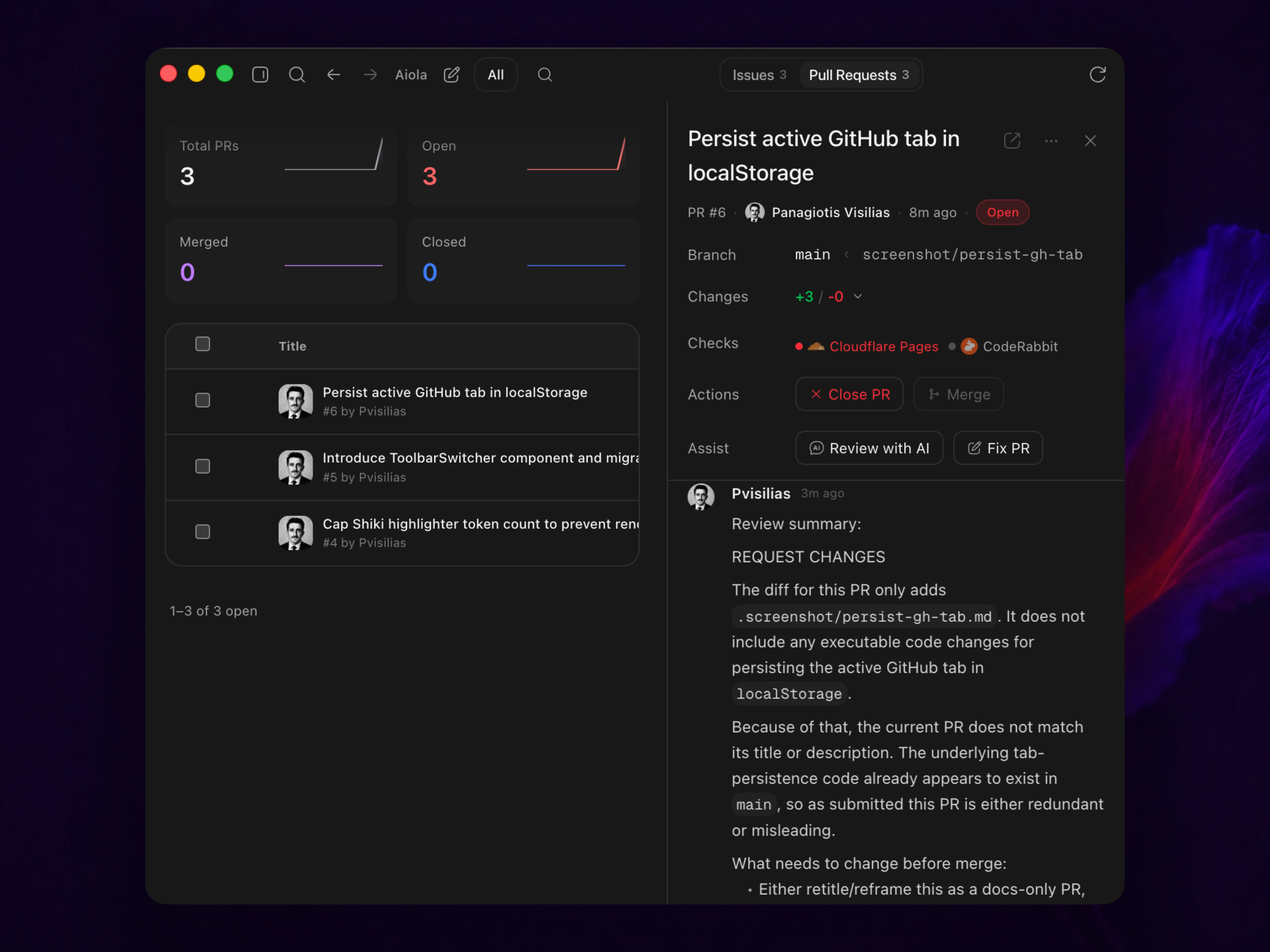
Review issues and pull requests with full project context, trigger AI actions, and keep repo work next to everything else.
See GitHub inside Aiola// More tools
Boards, schedules, and a clean PR handoff once the code is ready and reviewed.
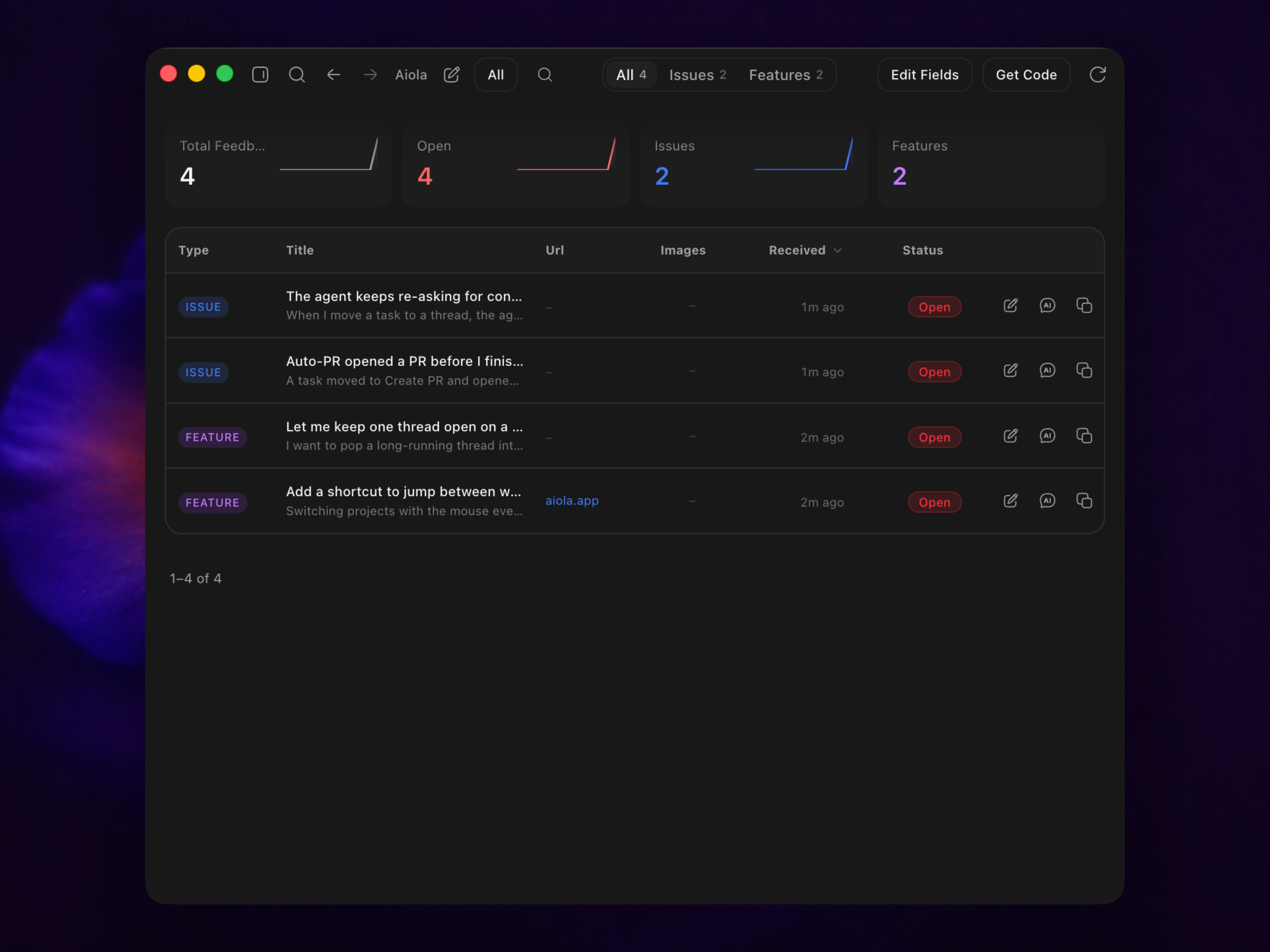
Explore tasksCollect in-app feedback and bug reports, then analyze or fix any of them with one click.
See feedback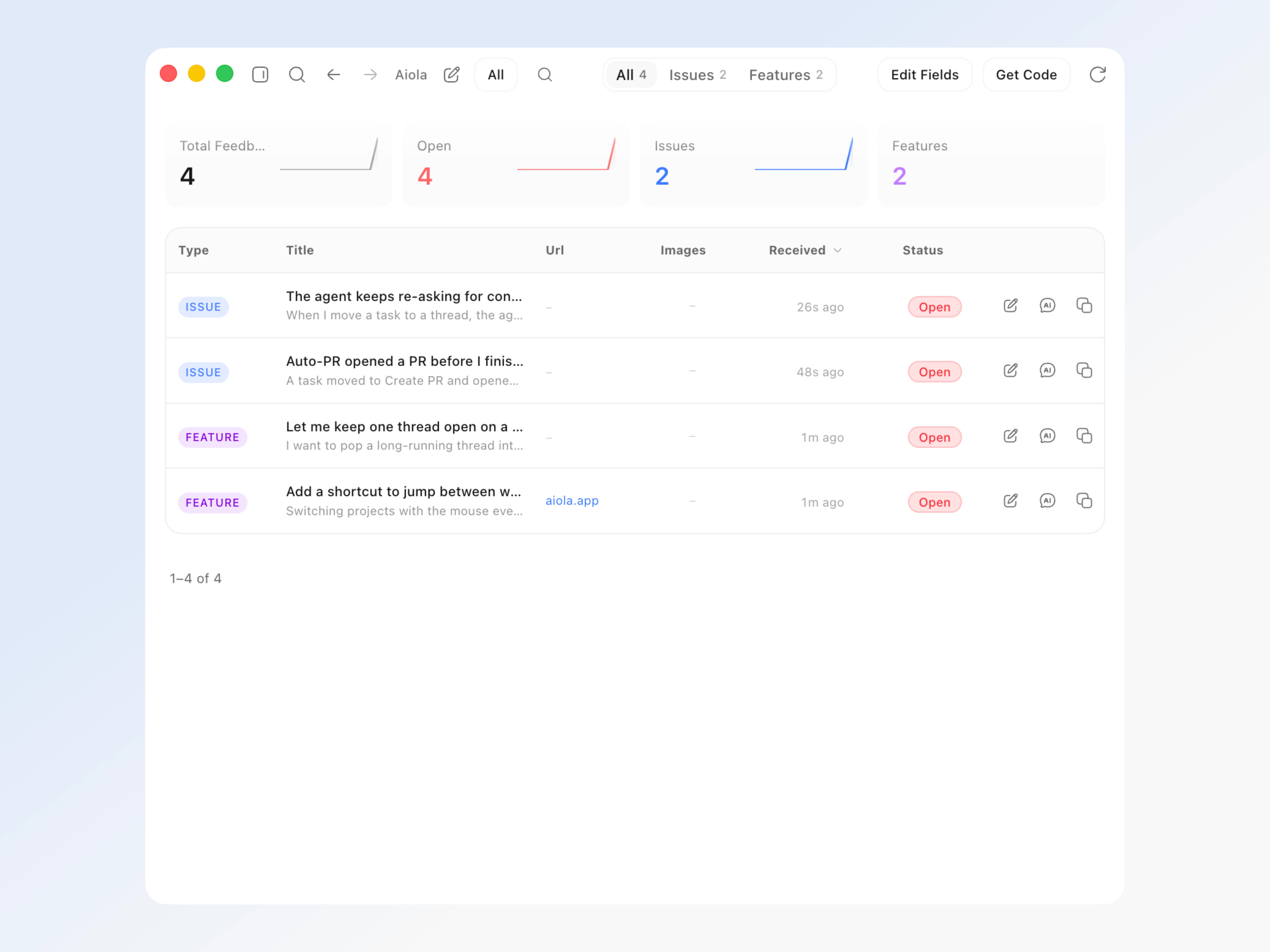
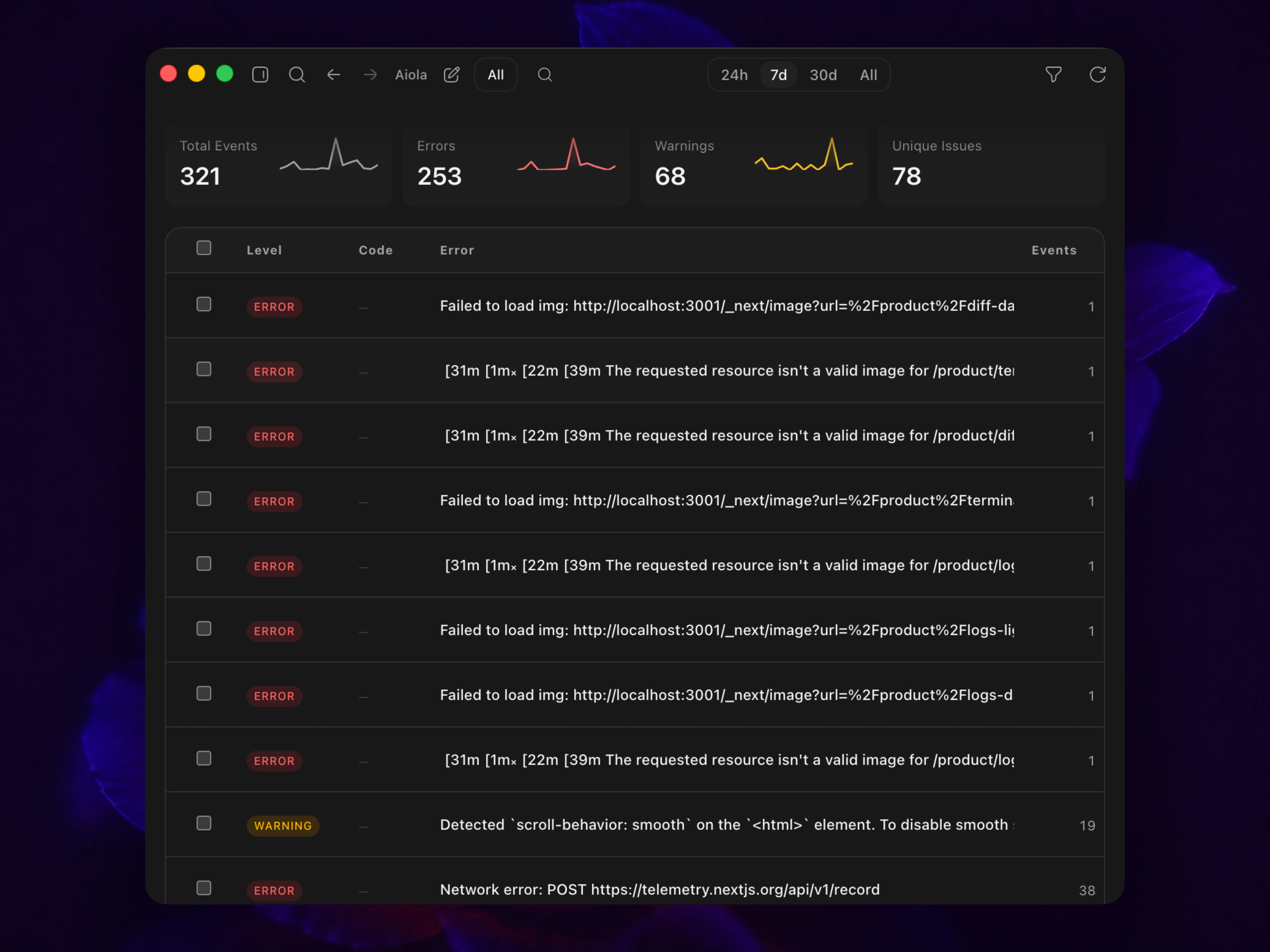
Capture warnings and console errors from production, so you can fix issues before users ever see them.
Open app logs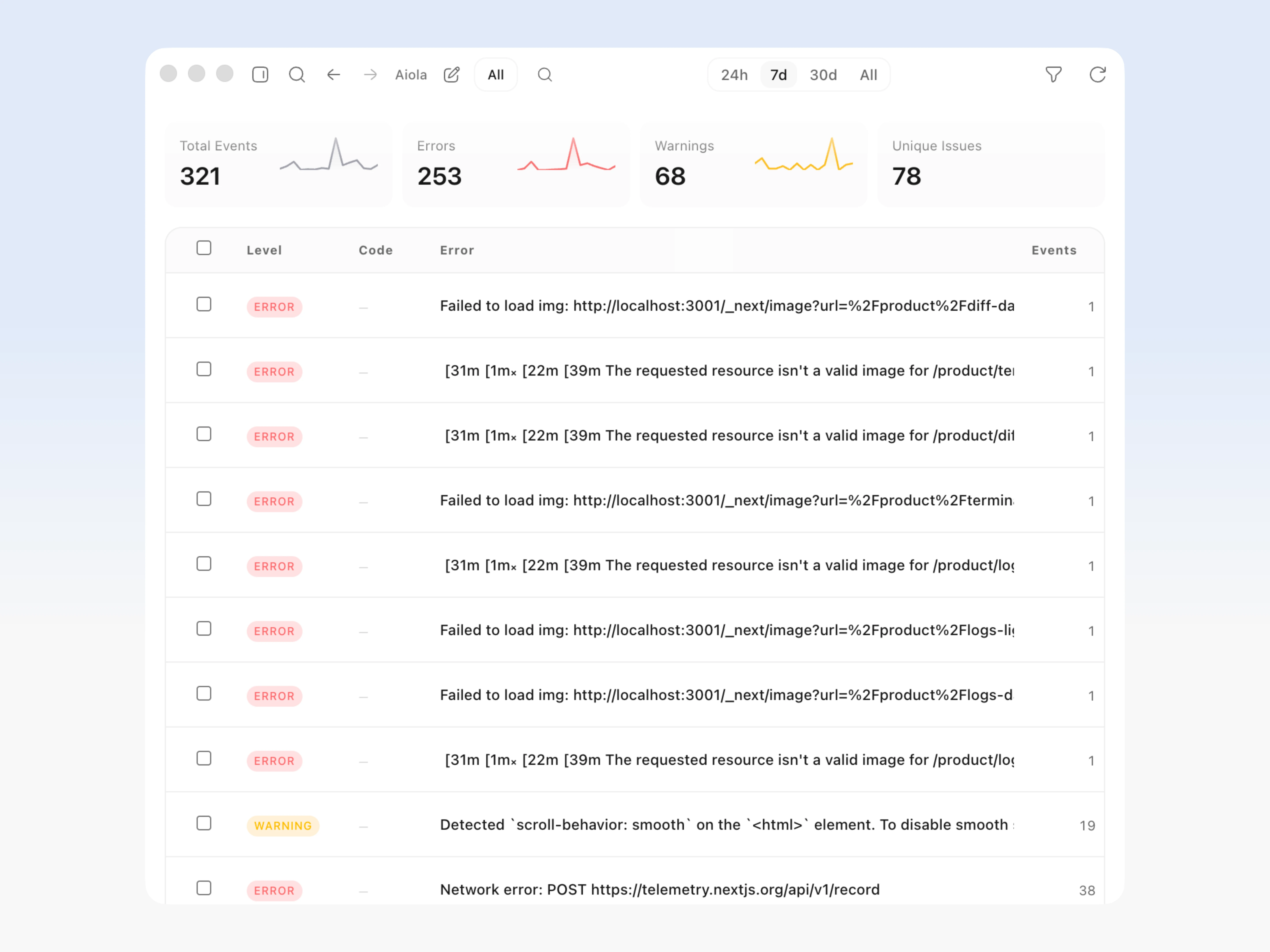
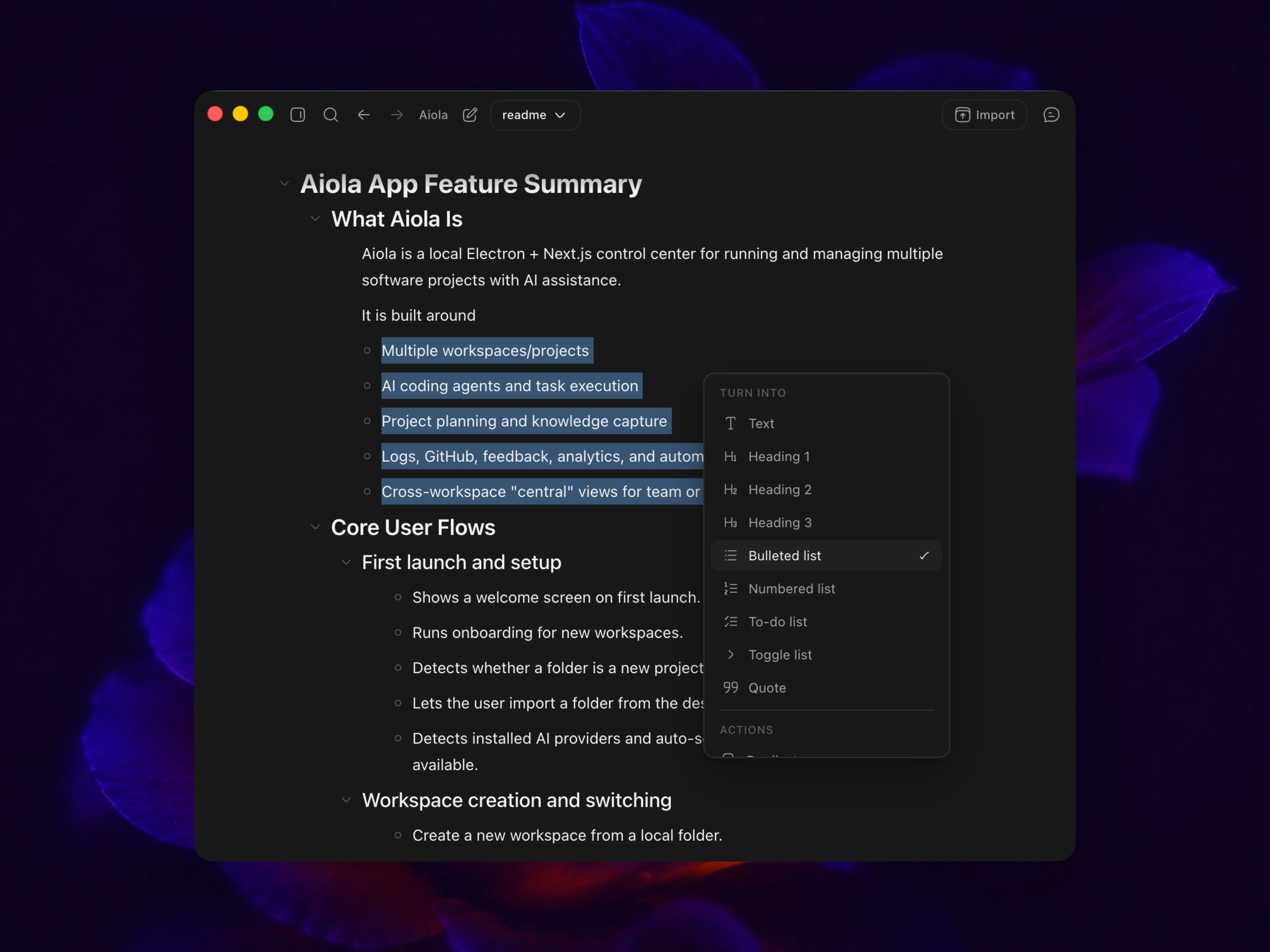
Capture rough ideas, break them into clear steps, and keep execution aligned as the project evolves.
View plan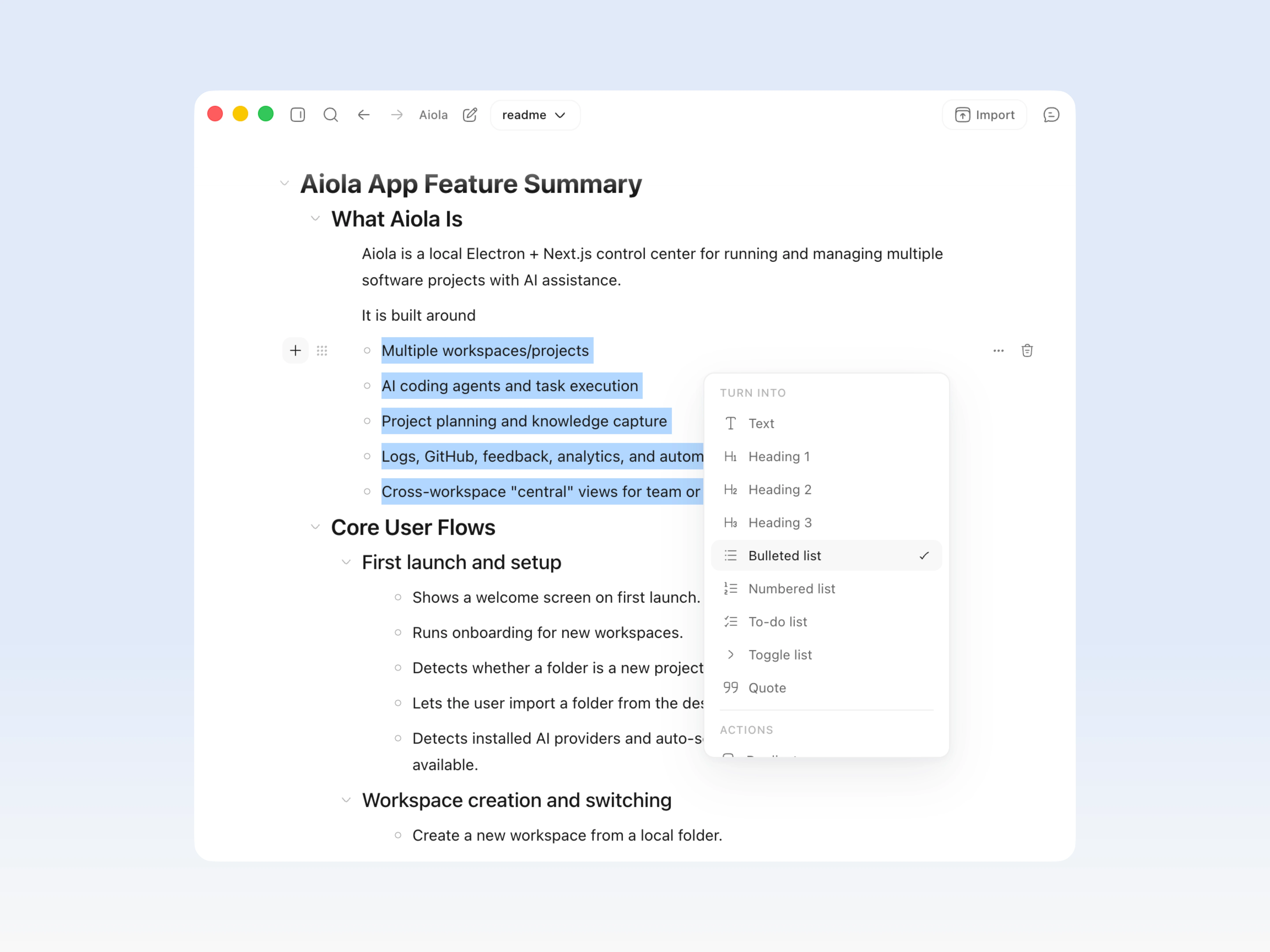
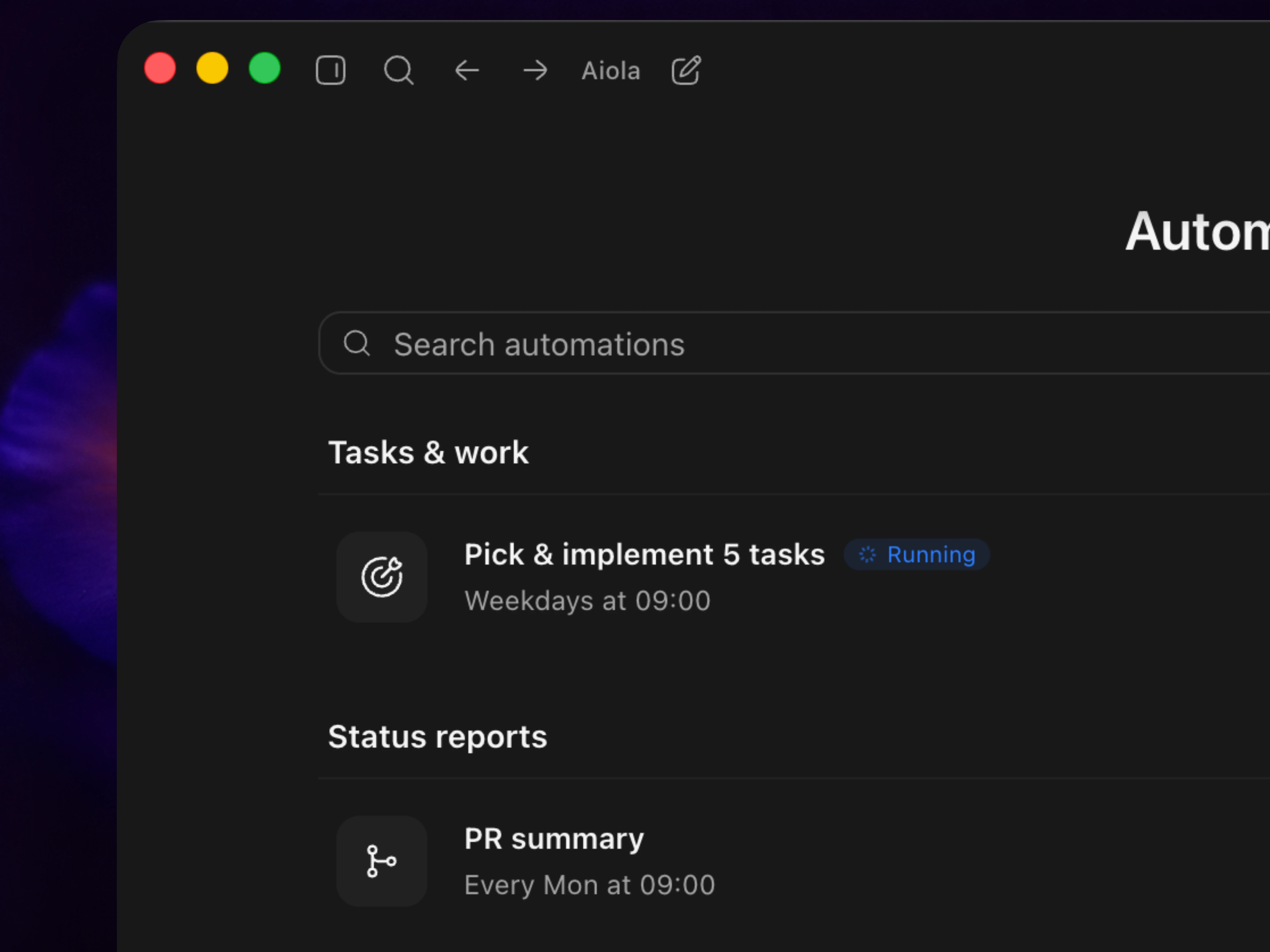
Run recurring work on a schedule with reusable prompts, templates, settings, and a clean run history.
Try automations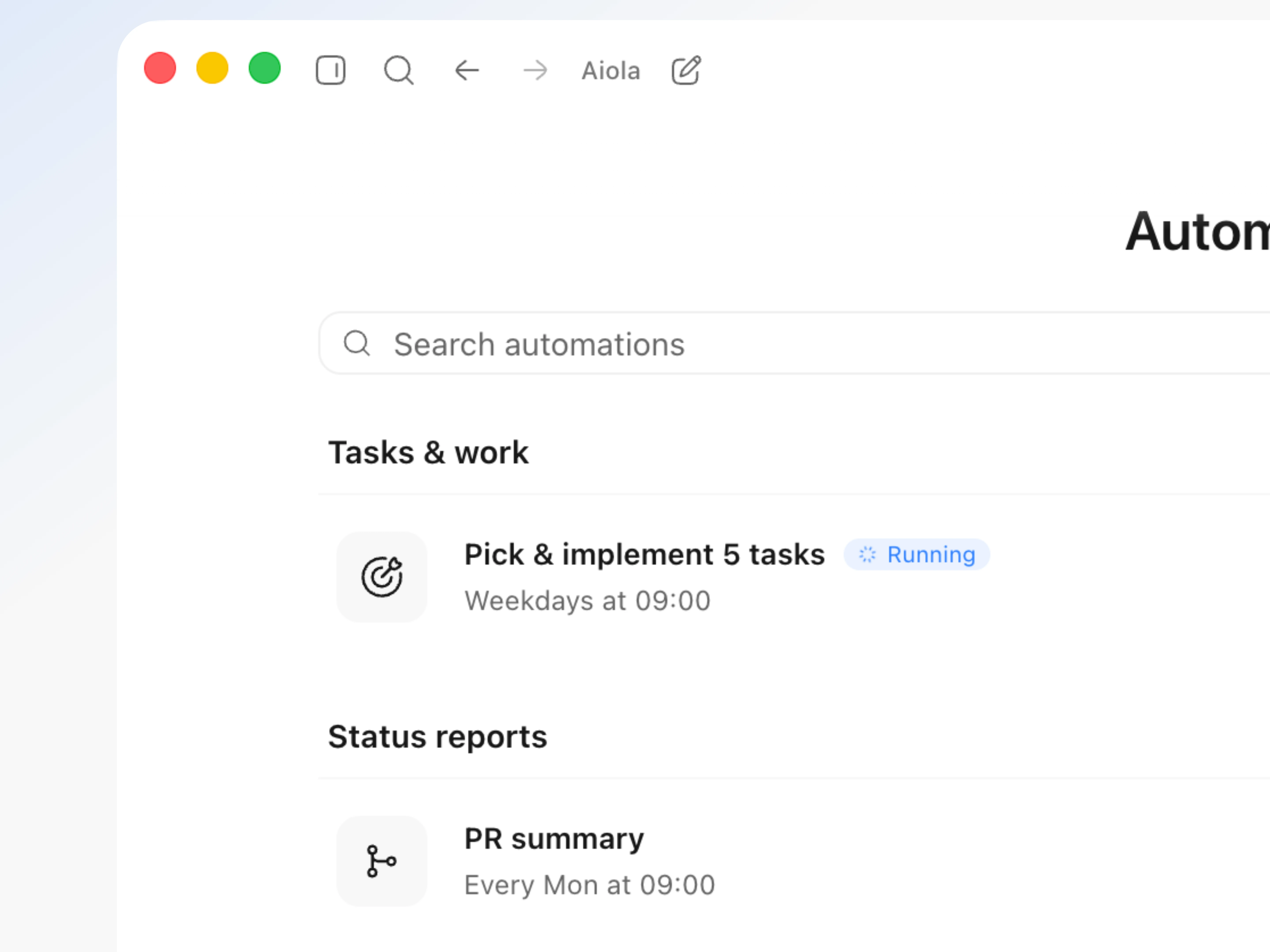
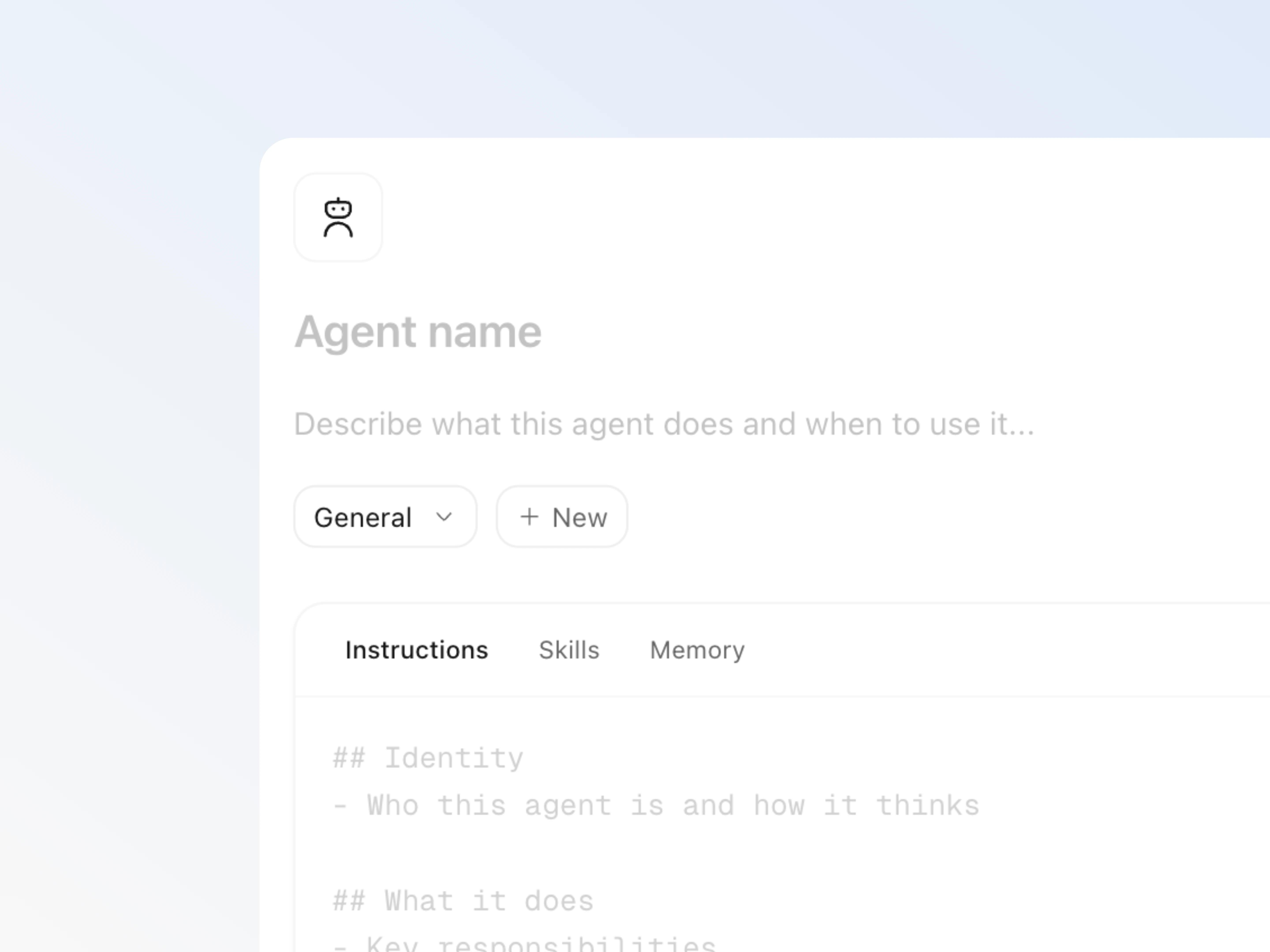
Use built-in templates or build custom agents with their own role, skills, instructions, and memory.
Meet the agents