01
Choose your connection
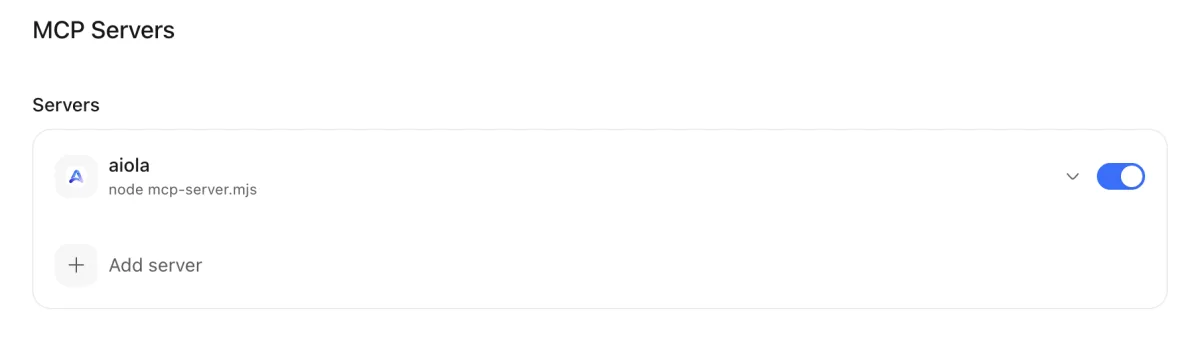
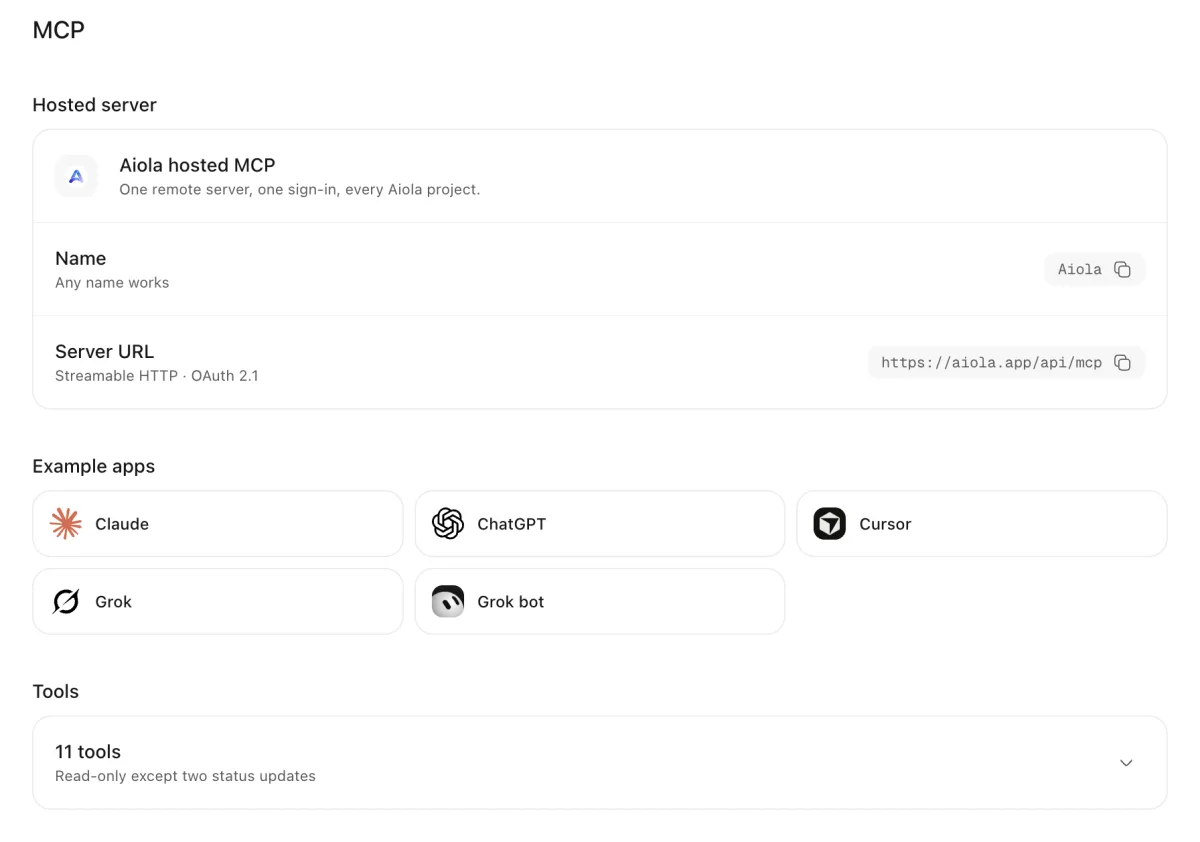
Open Workspace Settings, then MCP Servers for local configuration. Central Settings, under MCP, shows hosted connection details.
Aiola MCP
Agents cannot investigate a problem when the useful data stays locked inside another tool. Aiola configures workspace MCP servers and connects compatible assistants to hosted project data through OAuth. MCP brings tools alongside threads, tasks, GitHub, logs, and analytics for each project in the desktop app.
01
Open Workspace Settings, then MCP Servers for local configuration. Central Settings, under MCP, shows hosted connection details.
02
Add a named stdio or HTTP server locally. For hosted access, add Aiola's endpoint to an OAuth-capable client.
03
Expand an enabled local server to discover tools. For hosted queries, call list_projects and choose the project to investigate.
Enter a server name and valid JSON configuration. Use a command with arguments for stdio, or a URL for HTTP.
Toggle servers for the active workspace. Remove third-party entries when no longer needed; Aiola's built-in row has no delete action.
Expanded rows show tool names and descriptions. Discovery progress, empty results, and connection errors help explain the current server state.
Use Install Aiola or Install Aiola MCP Server when the bridge is absent. The generated connection stays bound to this workspace.
Agents can render HTML reports inside threads. Local browser tools inspect pages, capture screenshots, interact with elements, and read console messages.
Use https://aiola.app/api/mcp with Streamable HTTP and OAuth 2.1 browser sign-in. Central lists Claude, ChatGPT, Cursor, Grok, and Grok bot.
Supported Claude and ChatGPT connections can display interactive Aiola panels and charts alongside tool results.
list_projects returns account-visible projects and available data. One project can resolve automatically; multiple projects require a case-insensitive name.
Request overviews, focused analytics, bot-crawl queries, and saved funnels with computed results. Configured goals are unavailable through MCP.
Query Google Search Console and Bing keywords, page metrics, indexing issues, and crawl issues. Results depend on connected services.
List error and warning groups, then request events, stack traces, breadcrumbs, and context. Read issue reports and feature requests.
Only update_app_log_status and update_feedback write hosted data. Log updates accept up to 100 identifiers; feedback updates address one item.
Log events omit request data and redact sensitive values by default. include_request_data: true returns stored rows without MCP redaction.
Hosted calls share weighted limits of 120 units per minute and 2,000 daily. Analytics reads also check the current usage period.
Local server configuration belongs to the selected workspace. Hosted tools use the authenticated account and resolved project.
Supported statuses are open, in_progress, human_review, closed, and ignored. Closing an App Log group sets its resolution timestamp. Other statuses clear it.
Hosted MCP needs Pro or the 7-day trial.
See the connection guide for client setup and the workspace MCP documentation for local configuration.

Errors, user feedback, GitHub and analytics live next to your coding agents in one desktop app. Every issue becomes a task an agent can take.