Connect your product data to assistants with Aiola MCP

Copying logs and dashboard fragments into chats loses context. Connect a compatible assistant to project-scoped analytics, search, logs, and feedback through OAuth.

How it works

01

Connect with OAuth

Add https://aiola.app/api/mcp as a Streamable HTTP server in a compatible OAuth client.

02

Select the project

List available projects, then query the relevant production application explicitly.

03

Investigate with evidence

Read analytics, search, log groups, and feedback; status changes are the only supported writes.

Aiola Hosted MCP

Connect with OAuth

Add https://aiola.app/api/mcp as a Streamable HTTP server in a compatible OAuth client.

Download Aiola
Select the project

List available projects, then query the relevant production application explicitly.

Download Aiola
Investigate with evidence

Read analytics, search, log groups, and feedback; status changes are the only supported writes.

Download Aiola

Stop pasting dashboard fragments into chats

An assistant may need a graph, a stack trace, and a feedback message for production context. Copying them into separate prompts creates an incomplete picture. Time ranges may differ between screenshots, and the project may be ambiguous. The assistant cannot ask a precise follow-up against the original data.

Aiola’s hosted MCP server gives compatible clients a project-scoped route to the stored analytics, search, App Logs, and Feedback data. Start by asking which landing pages lost assistant referrals this week. Then ask for the specific affected URLs or error groups. The assistant can retrieve evidence without asking you to manually reconstruct the dashboard. This connection exposes hosted product data; it is not unrestricted access to your local repository.

Connect with the documented endpoint and OAuth

The public endpoint pattern is https://aiola.app/api/mcp. This shared endpoint uses tool arguments to select the project, rather than embedding it in the URL. Configure the transport as Streamable HTTP and authentication as OAuth 2.1. Requests use an Authorization bearer token. Do not substitute a project ingestion key for OAuth.

The Hosted MCP Server documentation gives this connection example: client name Aiola; server URL https://aiola.app/api/mcp. Use Streamable HTTP transport and OAuth 2.1 authentication, with a bearer token in Authorization. Add those settings in a compatible client and complete its sign-in flow. Central Settings → MCP is the hosted connection surface in Aiola. The linked connector guide maintains client-specific menu steps.

The documented protected-resource discovery request is GET https://aiola.app/.well-known/oauth-protected-resource/api/mcp. An unauthenticated MCP response returns a 401 bearer challenge pointing to that metadata. Use an OAuth-capable client rather than treating the endpoint as an anonymous JSON API. Claude, ChatGPT, Cursor, Grok, and Grok bot are listed as client examples. Connector menus can differ by version or account.

Resolve the project before requesting data

Call list_projects to discover project names and available data types. It merges names found across project keys, Analytics sites, App Log groups, and Feedback. When the signed-in account has exactly one project, the project argument may be omitted. With multiple projects, the caller must provide a case-insensitive project name.

A missing or unknown project returns available names rather than silently choosing another application. Analytics-required tools also fail if the resolved project has no Analytics site. Queries constrain access to the authenticated account and resolved project, with row-level security used where required.

For example, ask the assistant to list projects, then choose your production app explicitly. Retrieve an overview for a stated period. Follow with a focused request for the landing page or log group behind a change. An OAuth connection does not manufacture historical data or configure missing ingestion and integrations.

Read analytics, search, logs, and feedback

Use get_analytics_overview for a dashboard summary and time series. Use get_analytics for focused analytics or bot-crawl queries. Use get_analytics_definitions for goals and saved funnels with computed results. The overview can include acquisition, audience, events, journeys, revenue, and bot traffic.

Use get_search_keywords for Google Search Console and Bing query/page metrics. Use get_indexing_issues for indexing reason groups and crawl issues. Their usefulness depends on connected search services and the site mapping. Search Console data is delayed; a newly published change will not immediately appear in those metrics.

For production problems, get_app_logs lists error and warning groups, and get_app_log_events retrieves stack traces, breadcrumbs, and context for one group. get_feedback lists issue and feature-request submissions. These tools let the assistant move from a summary to concrete evidence. They do not prove the cause of a regression or the correctness of a proposed patch. They also do not prove a citation in an assistant answer.

Mostly read-only, with two status-write tools

Only update_app_log_status and update_feedback write data. Both change statuses using the accepted values open, in_progress, human_review, closed, and ignored. App Log updates accept a UUID or group_hash and can address up to 100 identifiers. Feedback updates address one item per call.

Closing an App Log group sets its resolution timestamp. Other statuses clear it. A status update does not deploy a fix or establish that an incident stopped happening. Ask the assistant to explain which record it will change and why. Verify the underlying problem before marking it closed.

The server is therefore mostly read-only, rather than entirely read-only. It does not offer a general SQL console, arbitrary repository mutation, or billing changes through this tool catalog. Keep the assistant’s requested action within the actual tool scope.

Understand redaction before requesting event details

By default, get_app_log_events omits request headers, bodies, queries, user IPs, and user emails. It also redacts nested values whose keys indicate secrets or personal information. It scans strings for recognizable tokens and email addresses. Returned events report whether this redaction occurred.

Setting include_request_data to true returns stored event rows without that MCP redaction pass. That option can expose sensitive request context to the connected client, so request it only when the investigation needs it. Default redaction is a useful boundary, not a guarantee that every possible sensitive value will be recognized. Review what your application records at ingestion as well as what the assistant requests.

Eligibility, quotas, and the local MCP alternative

Every hosted tool call checks for Pro or an active trial. GUI Lifetime is explicitly excluded. Analytics requests also check the usage period, and analytics quota errors can prevent those reads. Weighted limits apply per authenticated user: 120 cost units per minute and 2,000 per day. An overview costs more than a focused query, so narrow follow-ups are useful when investigating one issue.

Pro monthly and yearly tiers follow analytics volume. The seven-day trial is available only to eligible first-time customers on Pro Monthly with 100k events and requires a card. GUI Lifetime is a separate one-time local GUI license with a $49/$89/$129 launch ladder; checkout confirms its current price.

Workspace MCP is different: configure local stdio or HTTP servers under Workspace Settings → MCP Servers for a selected workspace. The local bridge remains available to GUI Lifetime. Hosted MCP is the always-online product-data endpoint. Download the Aiola desktop app, version 2.0.8, for macOS 12+ or Windows 10+ 64-bit to organize your projects. Downloading is free, provider access remains yours, and Aiola never adds token markup.

Your agents, one workspace

Use the subscriptions you already have.

Claude Code
Codex
Cursor
Grok CLI
OpenCode
Antigravity

Aiola supports six agent CLIs: Claude Code, Codex, Cursor, Grok CLI, OpenCode, and Antigravity.

Common questions

Explore what connects next

Keep the work moving across Aiola.

Build, ship and fix in one app

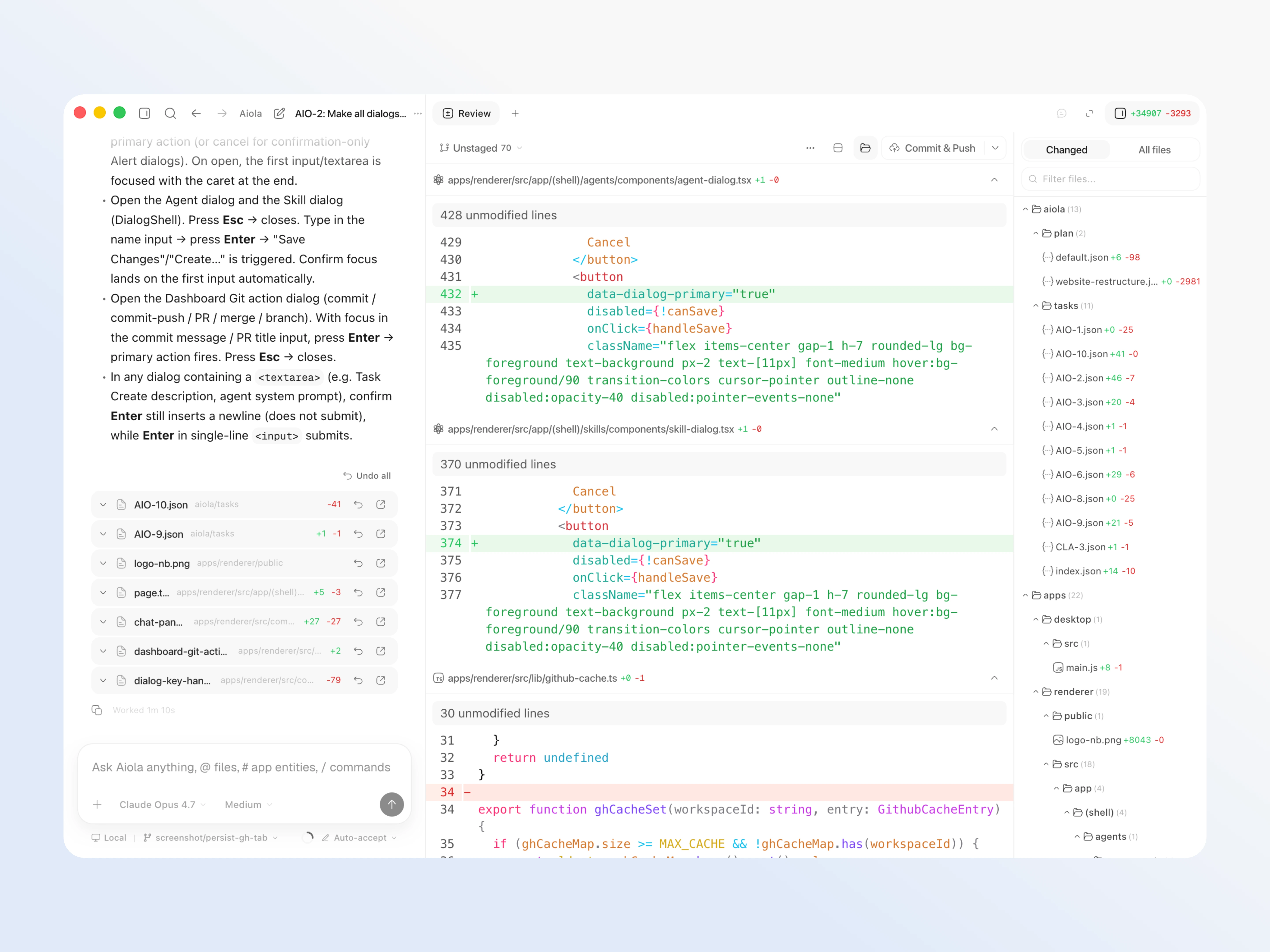
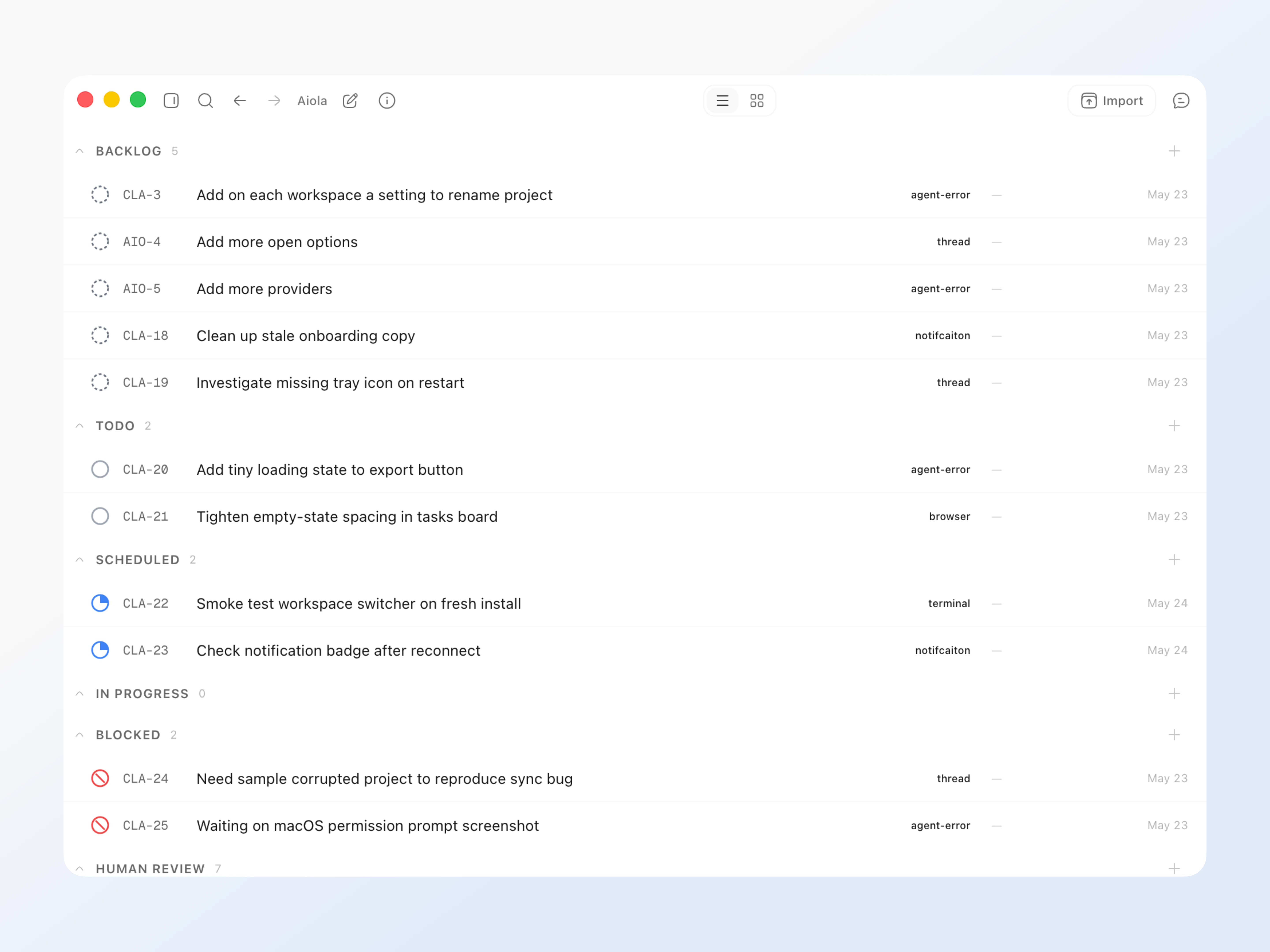
Errors, user feedback, GitHub and analytics live next to your coding agents in one desktop app, so every issue becomes a task an agent can take.