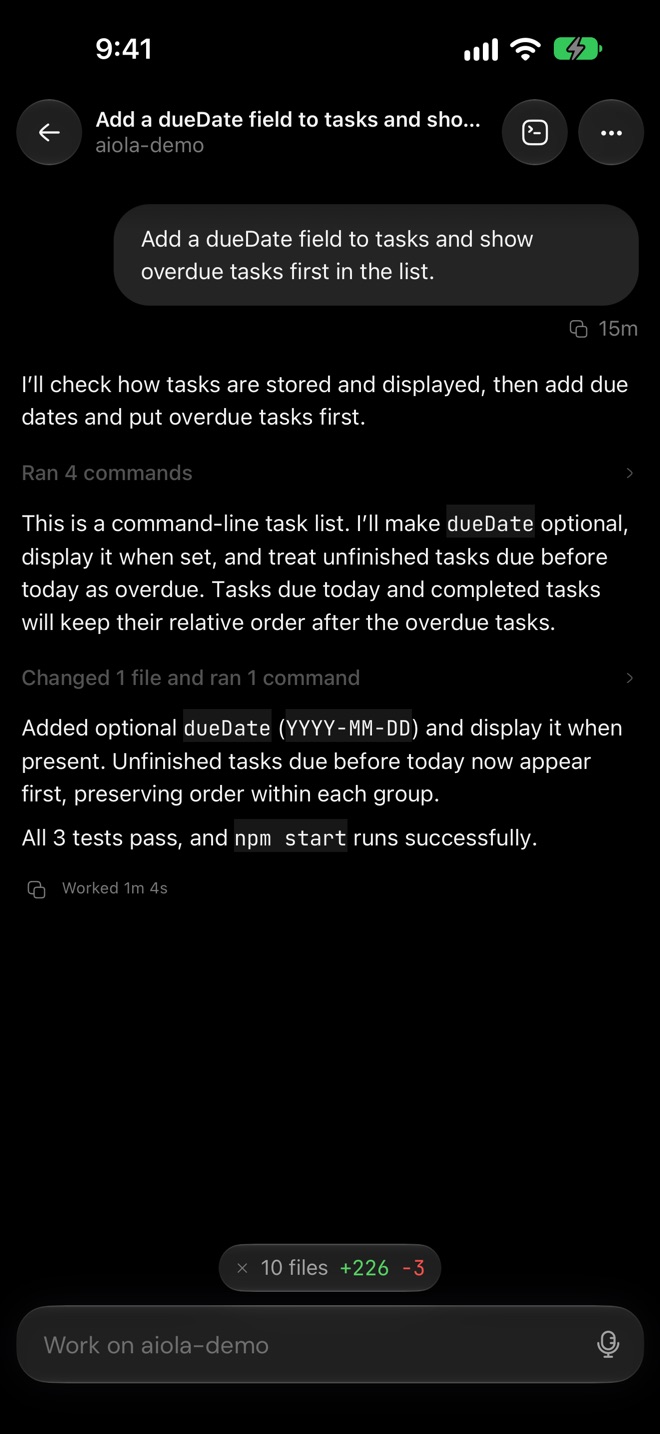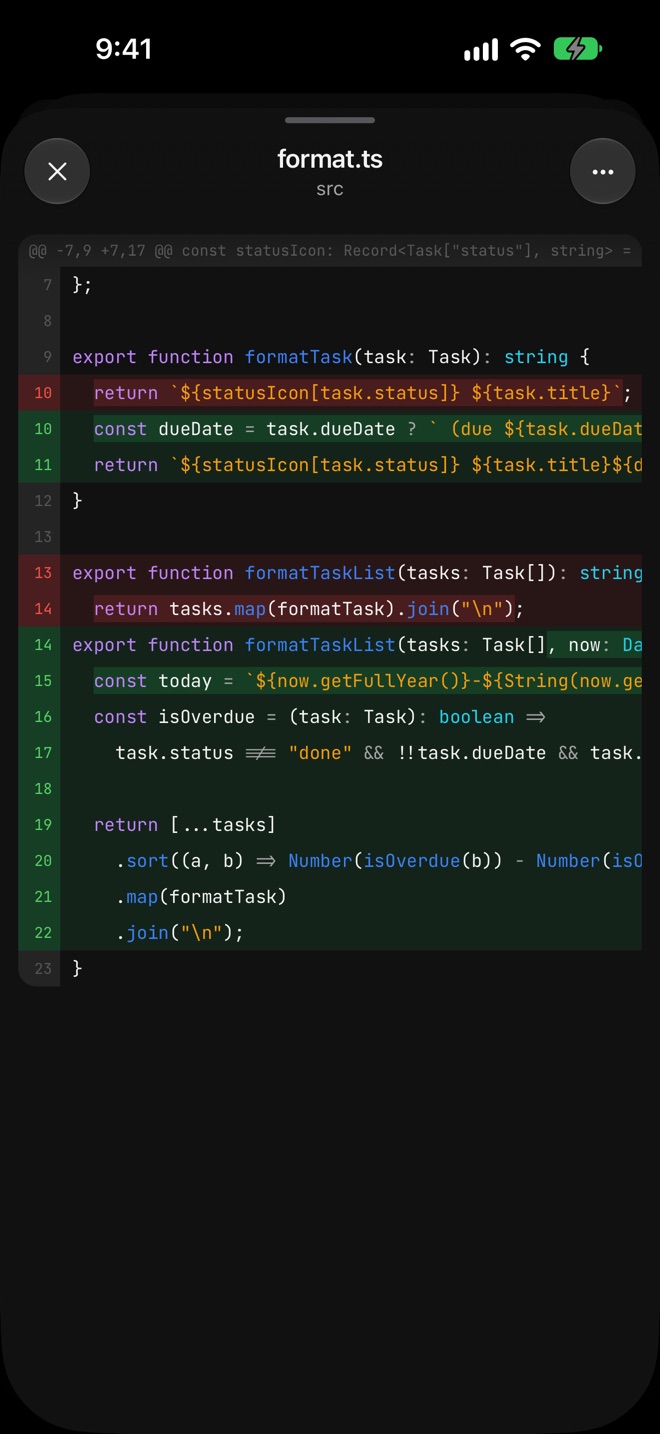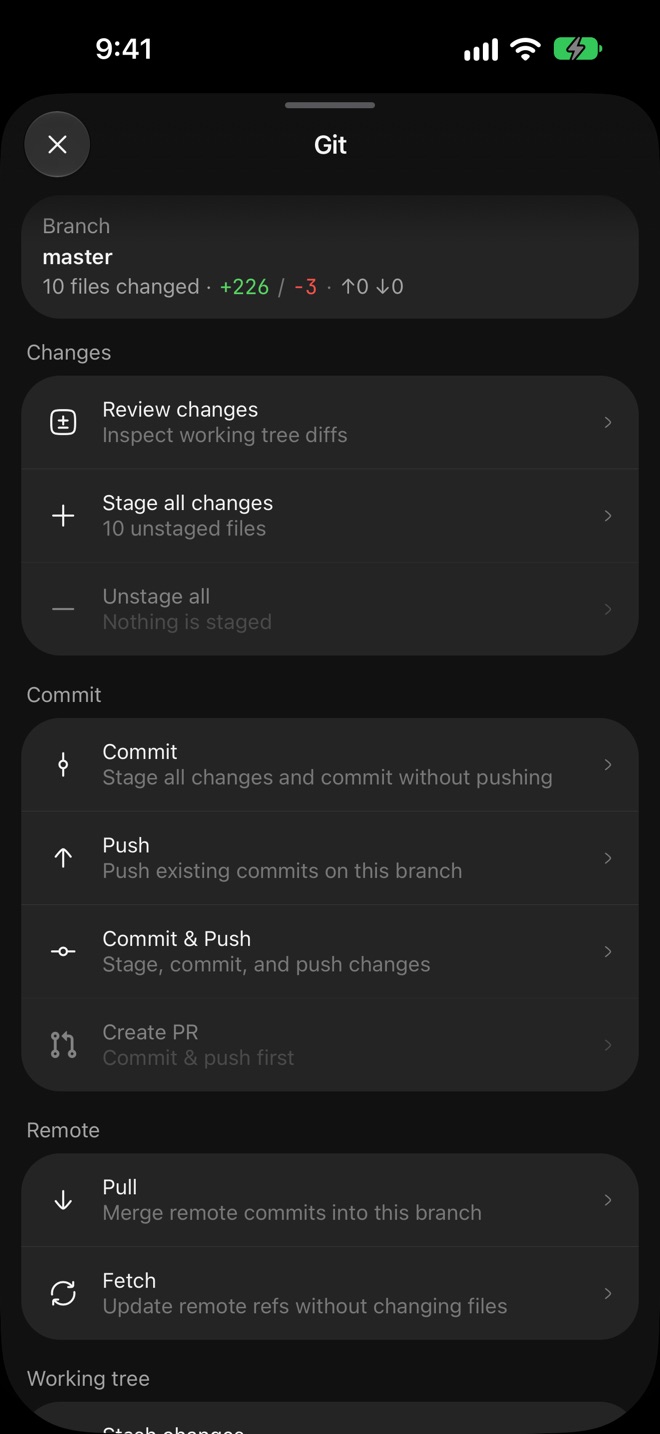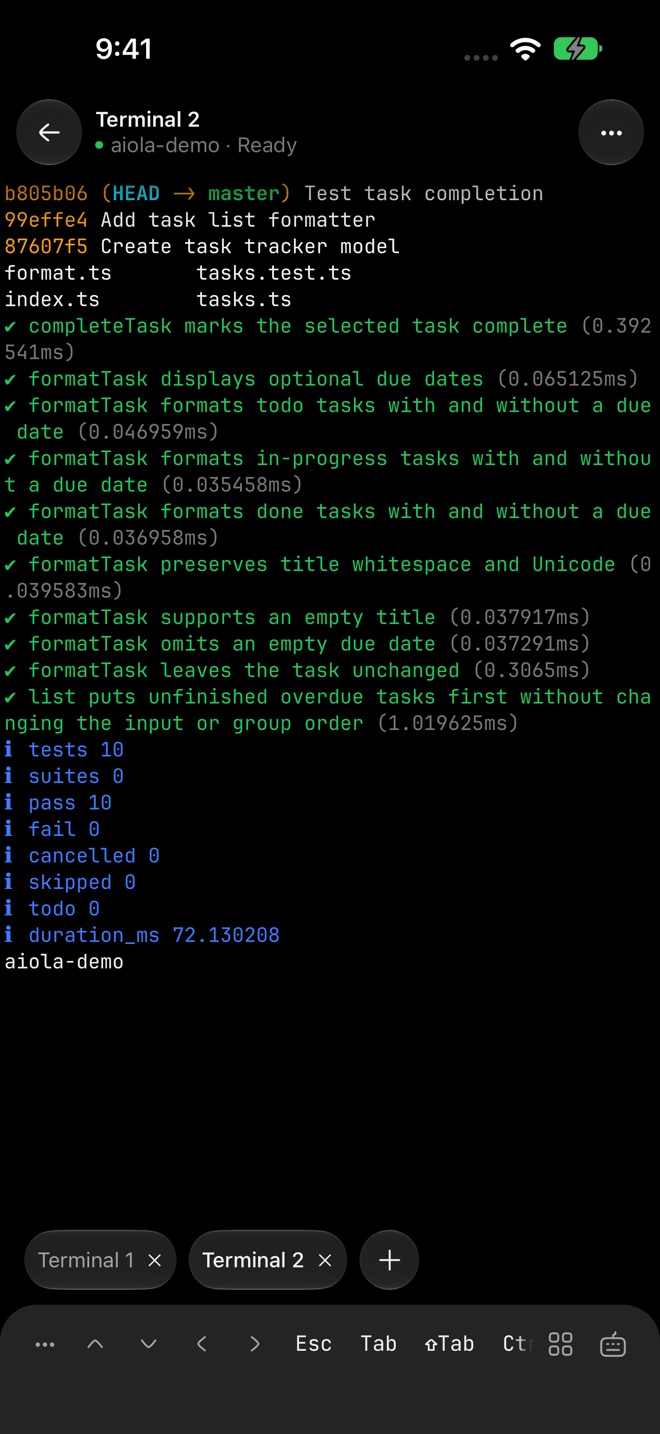
Mobile companion

Claude Code on your phone — companion app waitlist

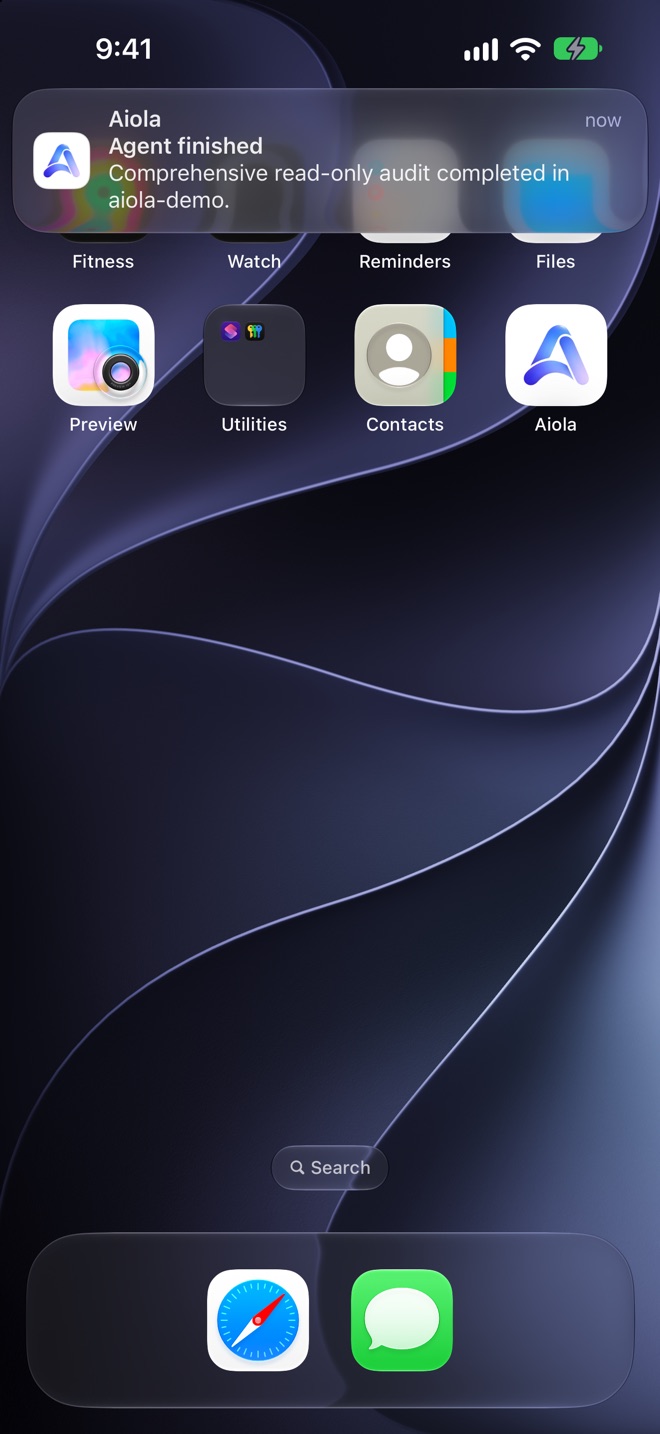
Aiola's native iOS and Android companion is in development. Chat with Claude Code, Codex, Cursor, Grok CLI, and OpenCode agents running on your desktop, and open tasks, analytics, and logs from your phone. Join the waitlist — no ship date yet, honest framing only.

What is the Aiola mobile companion?

The Aiola mobile companion is a native app for iOS and Android (built with Expo) that pairs with Aiola desktop. It is in development and not shipped yet — this page exists so you can join the waitlist and understand what we are building.

Think of it as Claude Code on your phone — with an honest caveat. The agents themselves still run on your Mac or PC, where your git repos, terminals, and CLIs live. Your phone gets native chat threads tied to those agents, plus the same operational pages you use on desktop: tasks, analytics, logs, and more. You steer work from the couch or a meeting; your desktop keeps executing.

What you will get on mobile

Planned surfaces mirror the desktop app, adapted for phone-sized UI:

  • Native chat threads — talk to Claude Code, Codex, Cursor, Grok CLI, and OpenCode agents that are running on your desktop, with full thread history synced through your account.
  • Tasks — view and update your per-project task board, trigger agent runs, and check status without opening your laptop.
  • Analytics — glance at traffic, AI-bot crawls, and referral channels for products you operate from Aiola.
  • Logs & feedback — triage errors and user reports from shipped apps on the go.

One codebase ships to both app stores. We are not building a separate iOS-only or Android-only experience.

Desktop runs the agents; phone is the remote control

Coding agents need your filesystem, git state, and shell. Phones cannot replace that environment today — and pretending otherwise would be misleading. Aiola's architecture keeps execution on the desktop you already trust and uses the mobile app as a fast, native remote UI.

When you send a message from your phone, it reaches the agent session on your desktop. Diffs, branches, and tool calls still happen locally. You get notifications and continuity; your repos never move to a cloud runner.

This is different from a web-only wrapper around a terminal. The companion is a real native app with offline-tolerant UI where it makes sense, but agent turns require your desktop to be reachable and your CLIs authenticated.

Join the waitlist

We will email waitlist members when the companion enters beta or public release. No spam, no promised dates — just a heads-up when there is something real to install.

Email waitlist

Opens your mail app addressed to [email protected] — no account required.

Prefer desktop today? Download Aiola for macOS or Windows and run Claude Code, Codex, Cursor, Grok CLI, and OpenCode in parallel now.

Current status

As of 2026, the Expo project runs on iOS simulators and Android emulators inside the Aiola repo. It is not listed in the App Store or Play Store. We are prioritizing desktop activation and reliability before a mobile launch — the companion is a retention feature for people who already orchestrate agents on desktop, not a standalone product.

If you landed here from social posts about "Claude Code on your phone," you are early. Join the waitlist above, install desktop in the meantime, and you will be first in line when mobile is ready.

What are Aiola's current CLI and GUI Lifetime facts?

Aiola supports five agent CLIs: Claude Code, Codex, Cursor, Grok CLI (including grok-4.5), and OpenCode.

GUI Lifetime is available now at launch pricing: first 10 customers $49, next 30 $89, then $129. One-time payment.

GUI Lifetime includes the agent orchestrator GUI only; it does not include hosted analytics, app logs, feedback, or other hosted operations pages.

Your code and repos stay on your machine. Agent prompts and file context are sent only to the AI provider you choose — Anthropic (Claude Code), OpenAI (Codex), Cursor, xAI (Grok CLI), or whichever provider you configure in OpenCode — under your own subscription. Aiola never proxies, stores, or resells your code or model traffic. Threads, tasks, notes, and automations are stored locally (SQLite + plain files in your repo). If you use the optional analytics/logs/feedback layer for your shipped products, that telemetry is ingested via Aiola's cloud (Supabase/Tinybird). Offline: agent orchestration UI works offline; running agents requires provider access; GUI Lifetime keeps the local app opening even if Aiola's servers are unreachable.

FAQ

Can I run Claude Code on my phone?

Not directly on the phone's hardware. Claude Code, Codex, Cursor, Grok CLI, and OpenCode run on your desktop where your repositories and terminals live. The Aiola mobile companion connects to that desktop instance so you can chat with your agents, review threads, and use app pages like tasks and analytics from your phone — your desktop stays the engine, your phone is the remote control.

When will the mobile app ship?

The mobile companion is in active development but not publicly released yet. We are not announcing a ship date. Join the waitlist below and we will email you when a beta or public release is ready.

Will it work on both iOS and Android?

Yes. We are building one codebase with Expo/React Native that targets both iOS and Android from the same project. Feature parity with the desktop ops surfaces (chat, tasks, analytics, logs) is the goal.

Do I need the desktop app?

Yes. The mobile companion is designed to pair with Aiola desktop on macOS or Windows. Your agents execute locally on the computer where your repos are checked out; the phone app streams UI and commands over your account connection.

Will the mobile app be included in my subscription?

We expect the companion to ship as part of Aiola Pro and GUI Lifetime. Exact packaging will be confirmed at launch. The desktop app remains the primary product today.

Is my code sent to Aiola's servers for mobile?

Your repositories stay on your desktop. The phone app displays thread state and operational data from your desktop session and account — the same local-first boundaries as the desktop app apply. Agent prompts still go to the AI provider you chose, not through an Aiola proxy.

Related

Start on desktop today

The mobile companion pairs with Aiola desktop. Download for macOS or Windows, connect your CLIs, and run parallel agent threads now — your waitlist spot carries over when mobile ships.

Download Aiola